VIVOTEK - Built with Reliability
44 - User's Manual
Joystick support
The joystick related operations are listed below:
1. Pan: Continuous move is supported. (joystick X-axis movement)
2. Tilt: Continuous move is supported. (joystick Y-axis movement)
3. Zoom: Continuous move is supported. To zoom in, move joystick Z-axis clockwise. To zoom
out, move joystick Z-axis counter-clockwise.
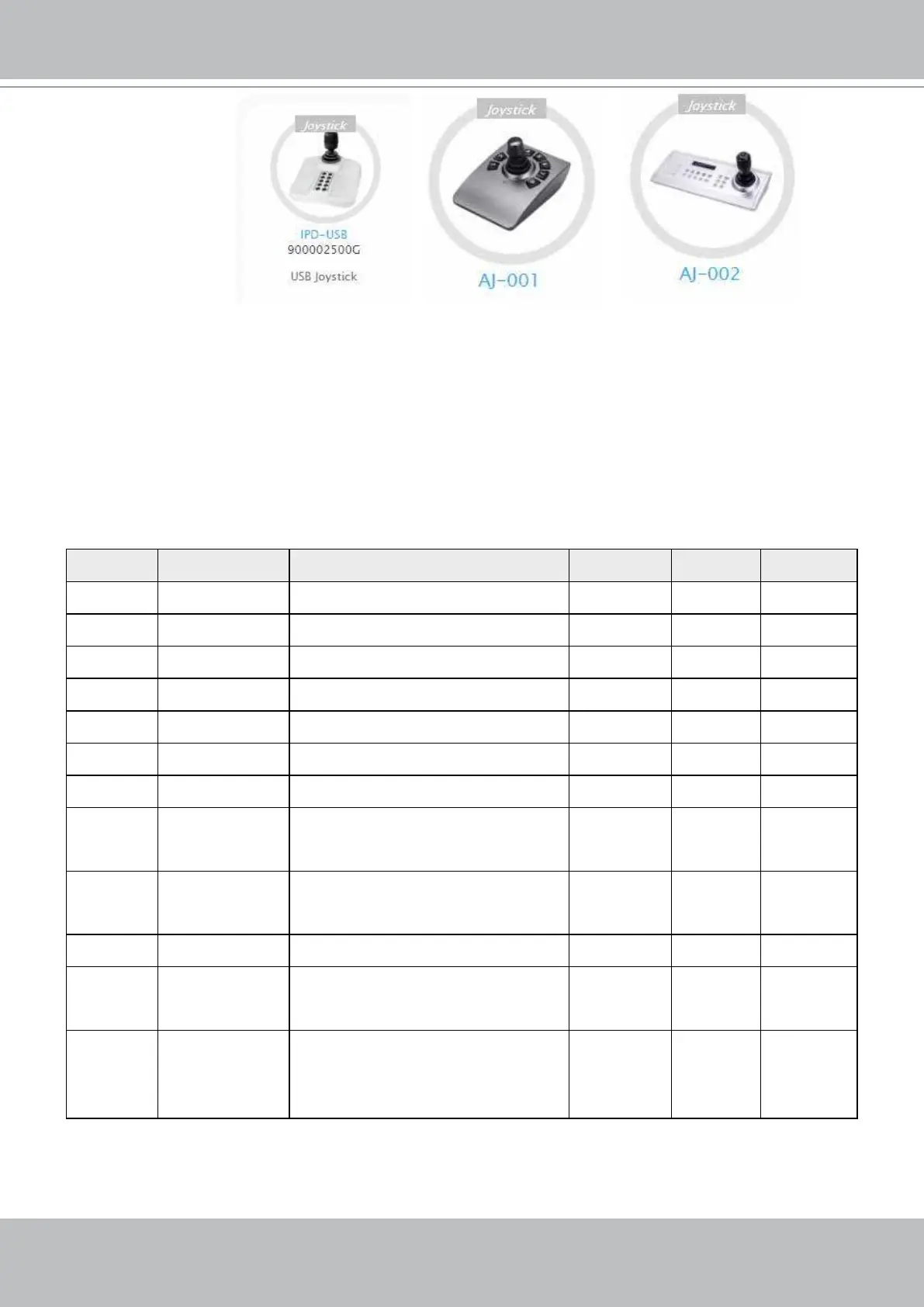
The NVR supports VIVOTEK's IPD-USB( 3-axis, 12 buttons), AJ-001(3-axis, 8 buttons), and AJ-
002 (3-axis , 29 buttons) joysticks.
The default button functionality are described below:
Button Function Note Live Setting Playback
1 Pan V V -
2 Patrol Supports the rst patrol V V -
3 Stop V V -
4 Home V V -
5 Focus Near V V -
6 Focus Far V V -
7 Snapshot V V
8 Preset V
V (PTZ
setting/
Motion only
-
9 ~ 17,19 Number 0~9 V
V (PTZ
setting/
Motion only
V
18 ESC V V V
20 Enter V
V (PTZ
setting/
Motion only
21 Full screen When a view cell is selected,
also applies in the Playback.
Press the second time to return
to previous state.
V - V



 To Next Page