VIVOTEK
114 - User's Manual
Applications > DI and DO
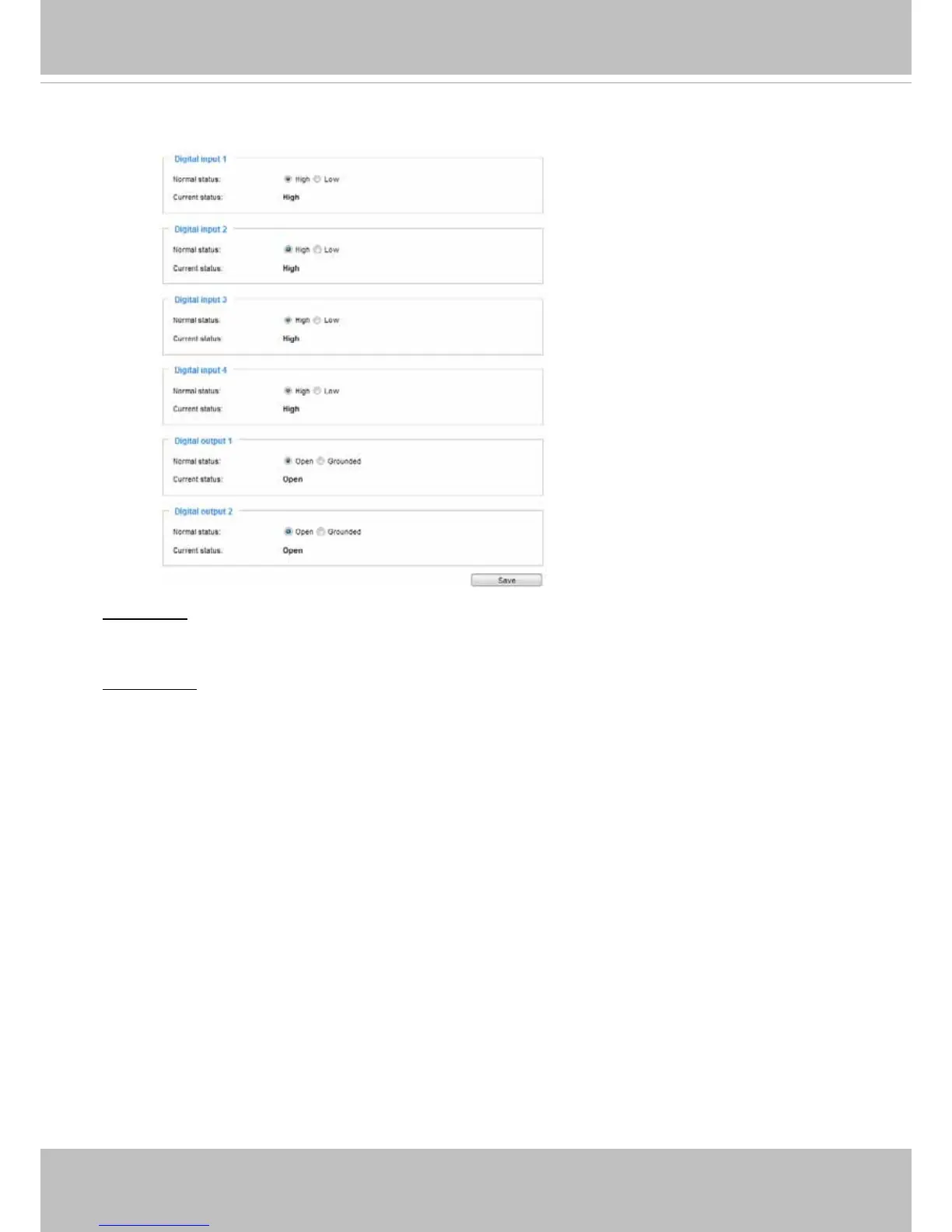
Digital input: Select High or Low to dene normal status for the digital input. Connect a digital input from
a sensor device to the camera, the Network Camera will report the current signal status. You may then
congure the Normal status (non-trigger status) as High or Low.
Digital output: Select High or Low to dene normal status for the digital output. Connect an output line to
an external device, the Network Camera will report the current signal status. You may then congure the
Normal status (non-trigger status) as High or Low.
Set up the event source as DI on Event > Event settings > Trigger. Please refer to page 97 for detailed
information.














 To Next Page