VIVOTEK
56 - User's Manual
Media > Video
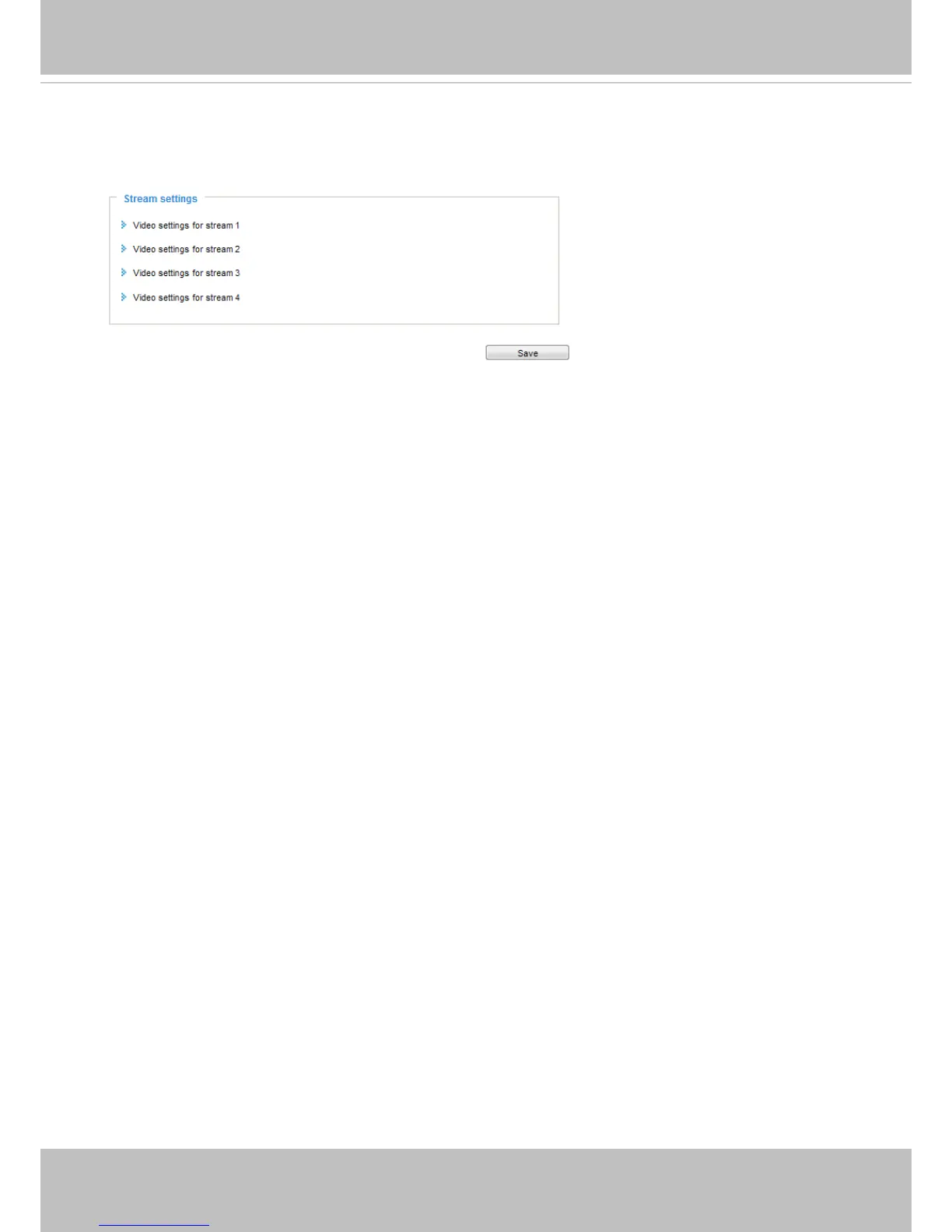
Stream settings
This Network Camera supports multiple streams with frame sizes ranging from 176 x 144 to 1280 x 720
pixels.
The denition of multiple streams:
■ Stream 1: Users can dene the Frame sizes, compression format, image quality, etc.
■ Stream 2: The default frame size for stream 2 is congured to 1280 x 720.
■ Stream 3: The default frame size for Stream 3 is set to the minimized 640 x 360 for viewing on mobile
devices.
■ Stream 4: The default frame size for stream 4 is congured to 1280 x 720 in the H.264 mode.














 To Next Page