VIVOTEK
66 - User's Manual
Port
HTTPS port: By default, the HTTPS port is set to 443. It can also be assigned to another port number
between 1025 and 65535.
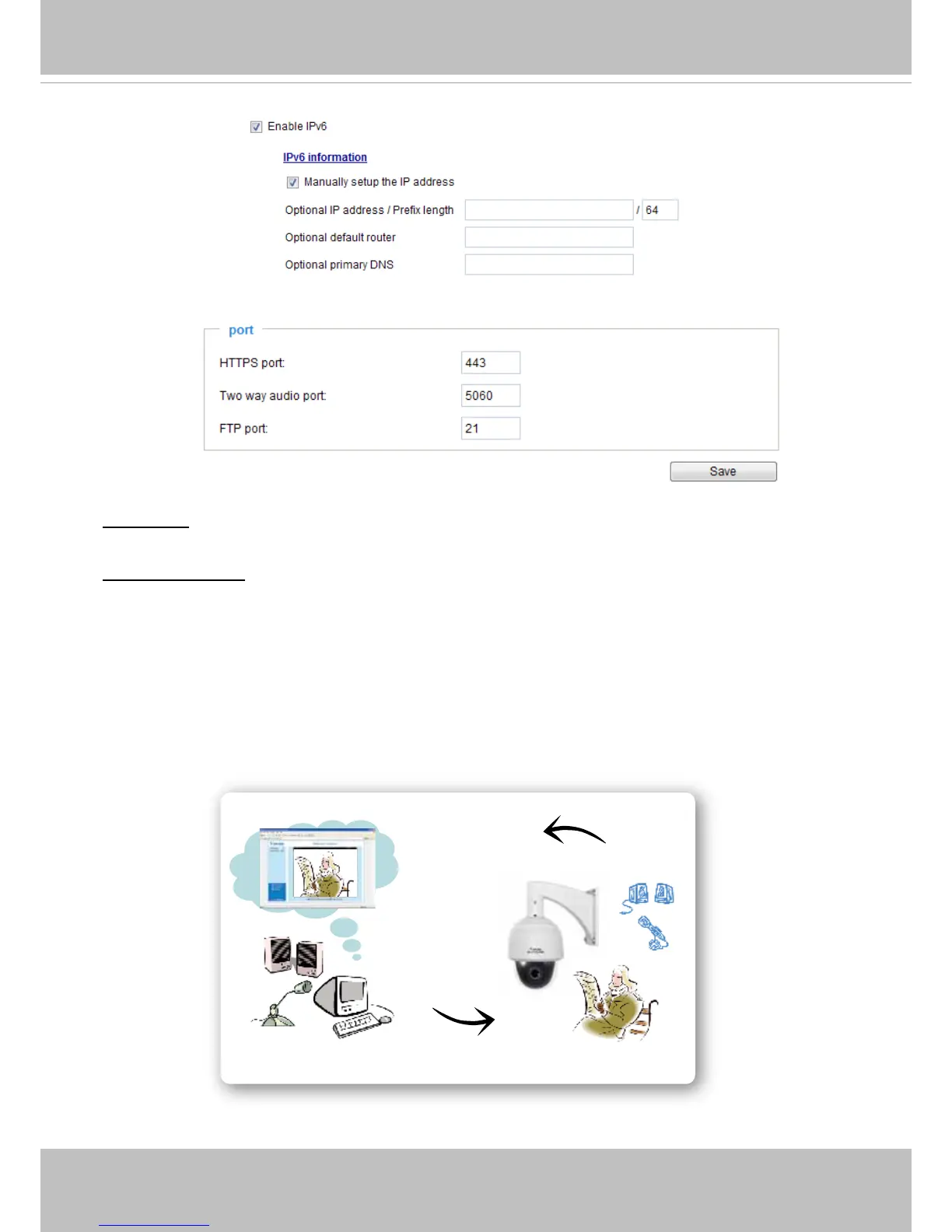
Two way audio port: By default, the two way audio port is set to 5060. Also, it can also be assigned to
another port number between 1025 and 65535.
The Network Camera supports two way audio communication so that operators can transmit and receive
audio simultaneously. By using the Network Camera’s built-in or external microphone and an external
speaker, you can communicate with people around the Network Camera.
Note that as JPEG only transmits a series of JPEG images to the client, to enable the two-way audio
function, make sure the video mode is set to “MPEG-4” on the Media > Video > Stream settings page
and the media option is set to “Media > Video > Stream settings” on the Client Settings page. Please
refer to Client Settings on page 30 and Stream settings on page 57.
Audio transmitted from operators
Audio transmitted to operators
America
Taiwan














 To Next Page