VIZIO RECOMMENDS
CONNECTING YOUR DEVICES
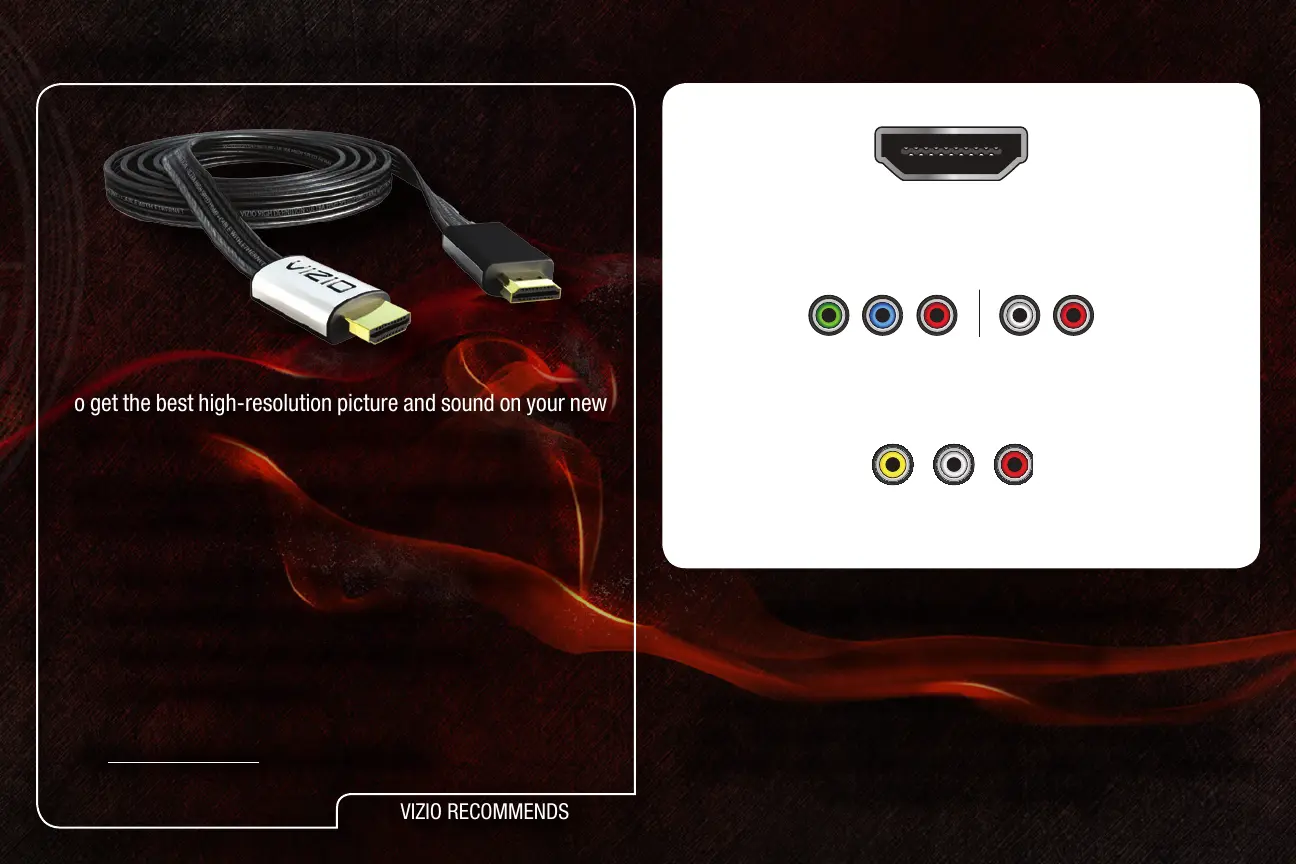
To get the best high-resolution picture and sound on your new
VIZIO TV, connect your devices with an HDMI cable.
VIZIO High Speed HDMI Cables are manufactured to produce
the best picture on VIZIO TVs and feature:
• 1080p and for full HD video and future Ultra-HD video
• Great flexibility for thin wall mounts
• Stays securely connected at sharp angles
• Limited lifetime warranty
Visit www.VIZIO.com to purchase online.
1
Ensure your device has one of the above ports.
Turn your device and the TV off.
Connect your devices using the connection chart on the next
page. This chart shows the most common connections. If you
would like to see additional connection options, see
Connecting
Your Devices
in the user manual.
HDMI
Component
Composite AV


 To Next Page