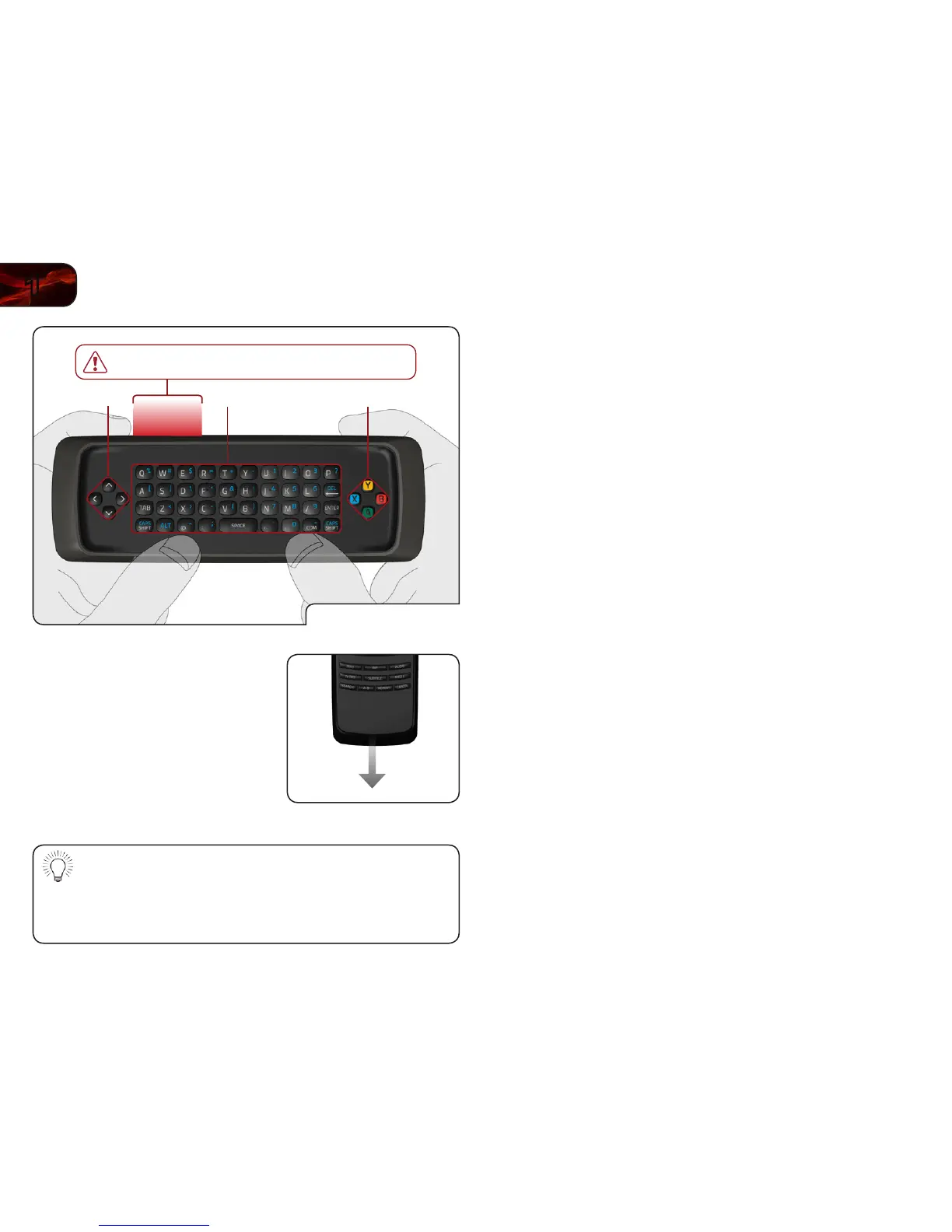
Remote - Back
Replacing the Batteries
1. Remove the battery cover by pressing
gently on the remote and pushing the
cover away as shown.
2. Insert two AAA batteries into the
remote control. Make sure that the (+)
and (-) symbols on the batteries match
the (+) and (-) symbols inside the
battery compartment.
3. Replace the battery cover.
•Useonlygoodqualitybatteries.
•Insertingthebatteriesincorrectlymayresultincrackingorleakage
that may cause a re or result in injury.
•Disposeofoldordeadbatteriesinaccordancewithlocalhazardous
waste regulations.
•Keepbatteriesawayfromchildrenandpets.



 To Next Page