1
1
Controls and Connections
Before the rst-time setup, take a few moments to familiarize yourself with the
various controls and connections. This will make the setup process much faster
and your experience with the player much more enjoyable!
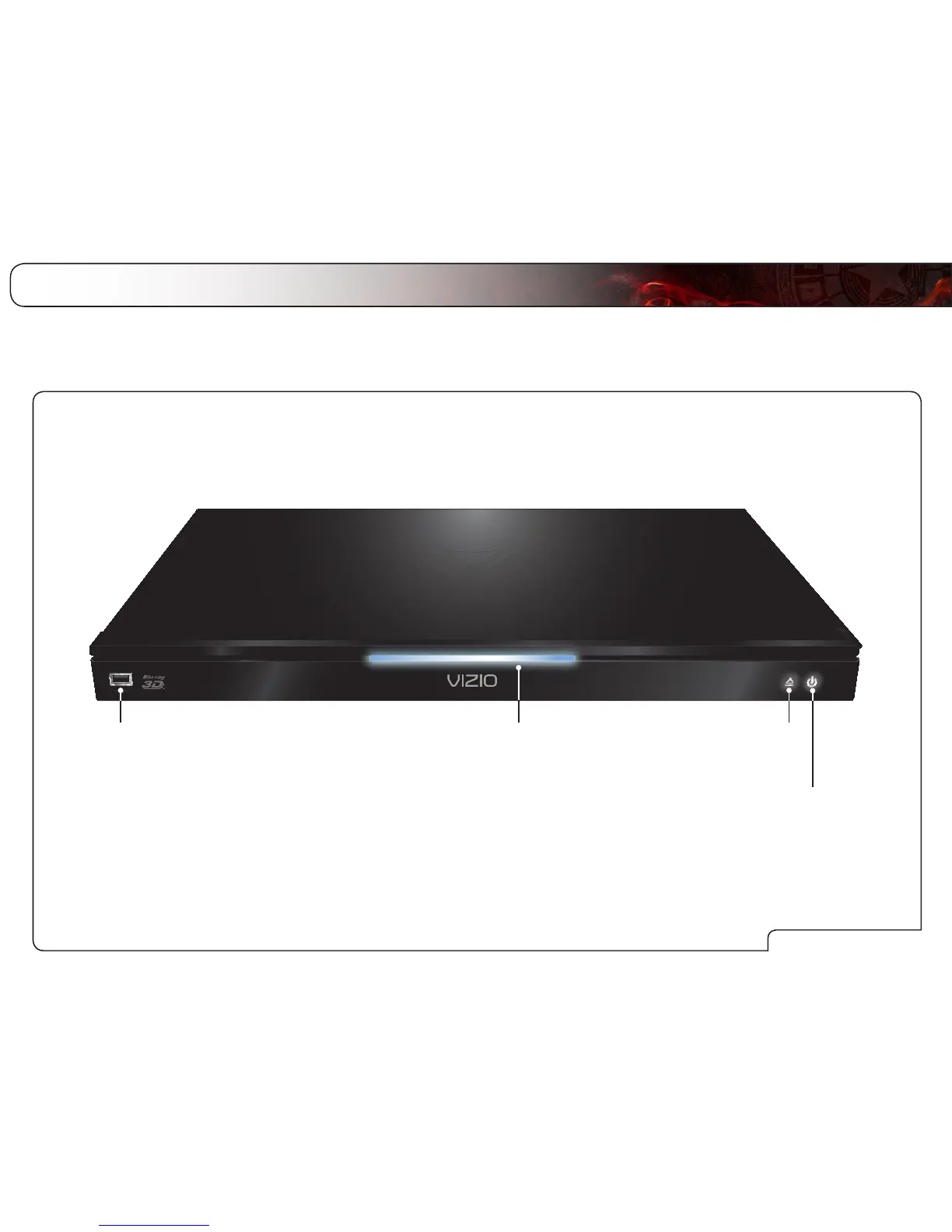
Front Panel
Power Button
Touch to turn Player on or off.
Eject Button
Touch to eject disc.
USB Port
Insert USB thumb drive
to play photos and music.
Supported files include .jpg
and .mp3.
Disc Slot
To insert a disc, gently push the disc
into the slot until the Player takes it.
Never force a disc into the Player.
Use only standard size discs.



 To Next Page