24
4
VBR337
Setting the Parental Country
Because countries have their own rating systems, if you are going to use the
Parental Controls, you should set the parental country to match the country in
which you live.
Some discs do not support multiple country-based rating systems.
You may be prompted to enter your Parental Code. If you have not
yet set the code, enter 0000.
To set the parental country:
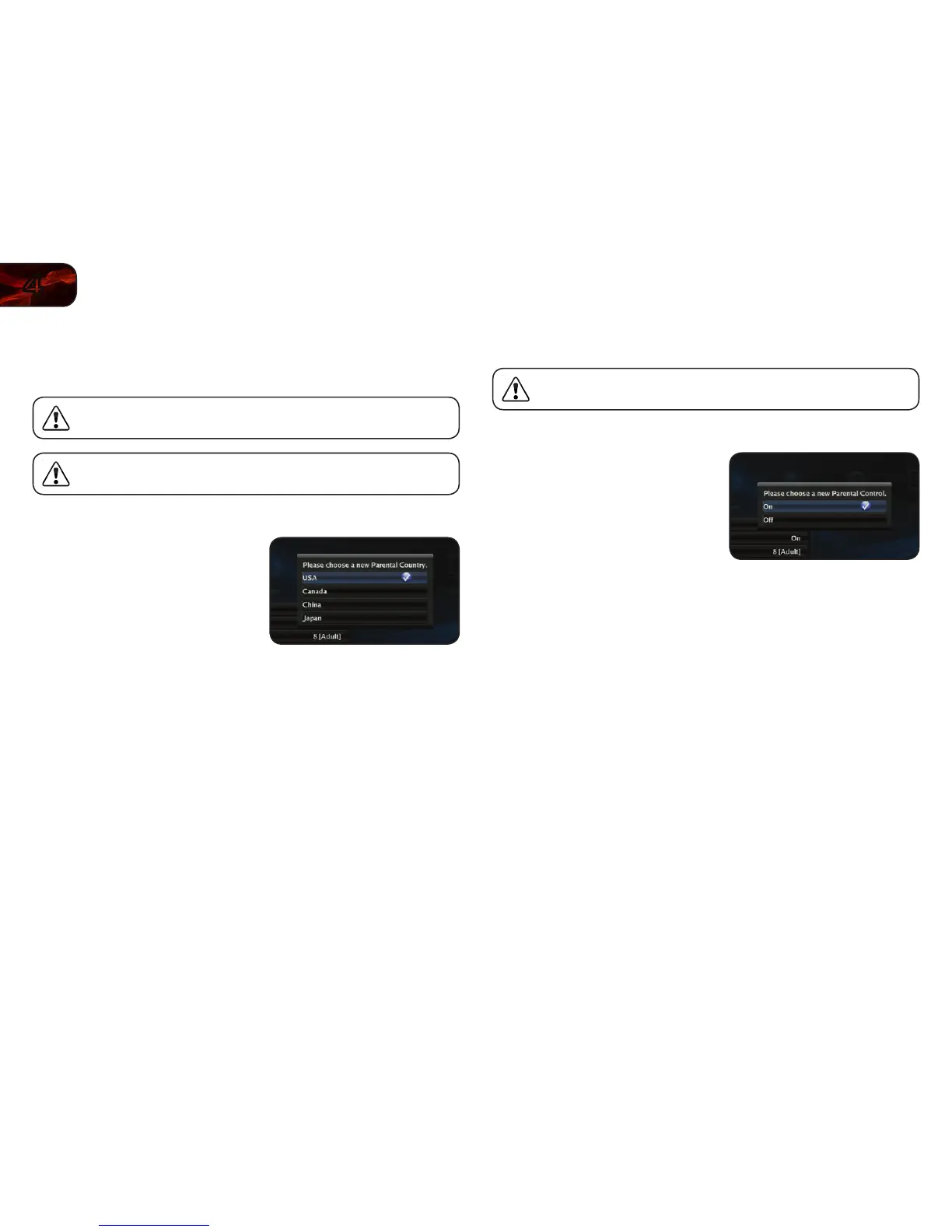
1. From the Parental Controls menu, use
the Up/Down Arrow buttons on the
remote to highlight Parental Country
and press OK.
2. Use the Up/Down Arrow and OK
buttons to highlight the country in
which you live:
• USA
• Canada
• China
• Japan
Activating or Deactivating the Parental Controls
Use this setting to turn the parental controls on or off.
You may be prompted to enter your Parental Code. If you have not
yet set the code, enter 0000.
To activate/deactivate the parental controls:
1. From the Parental Controls menu, use
the Up/Down Arrow buttons on the
remote to highlight Parental Controls
and press OK.
2. Use the Up/Down Arrow buttons to
highlight On or Off and press OK.



 To Next Page