3
10
In this chapter, you will learn how to:
• Navigate the On-Screen Menu
• Play a Disc
• View USB Media
Navigating the On-Screen Menu
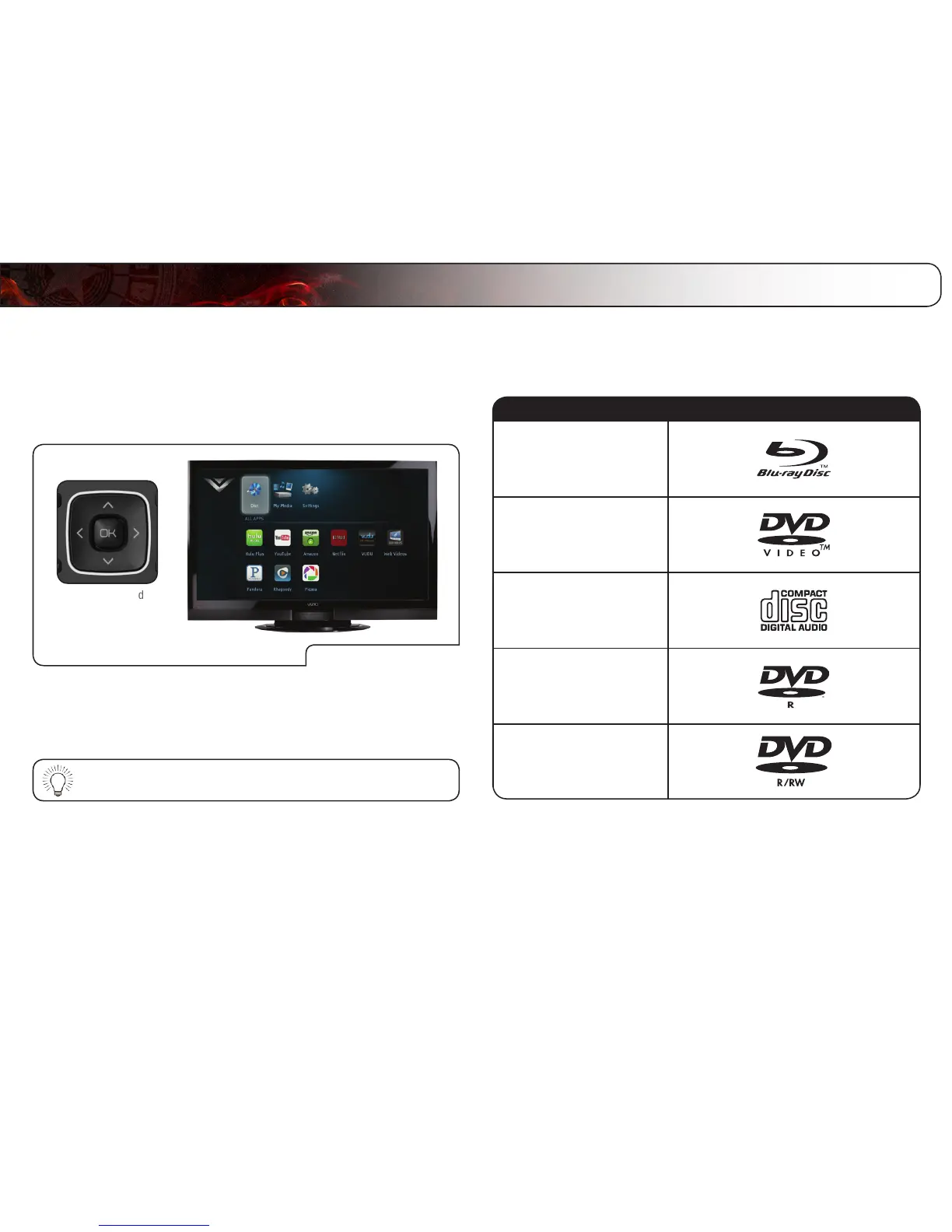
Use Arrow and
OK Buttons
On-Screen Menu
To highlight an icon or menu setting, press the Arrow buttons on the remote. The
highlighted icon or menu setting will glow light blue.
To select an icon or menu setting, highlight the icon or menu setting and press
OK button on the remote.
To go back to a previous screen, press the RETURN button.
Playing a Disc
Your player can play several kinds of discs. Use this table to ensure your disc is
compatible with the player:



 To Next Page