4
31
VBR337
Using the Wireless Network List
The Wireless Network List uses a series of symbols to give you all the information
you need at a glance. Use the table below to familiarize yourself with these
symbols:
Category Icon Denition
Connection
Displayed when the player is connected to
the associated network.
Saved
Displayed when the network properties,
including password, have been saved in
the player’s memory.
Security
Indicates whether the associated network
is encrypted or not. If the “Locked” symbol
is overlaid with a red cross, it means the
encryption type is unsupported by the
player.
Protocol
Indicates the network protocols supported
by the associated network.
Signal Strength
Indicates the signal strength of the
associated network. The more green bars,
the better the network strength.
Viewing the Info Screen
The info screen displays the following information:
• Software Version
• Software Date
• Interface
• Link Status
• MAC Address
• IP Address
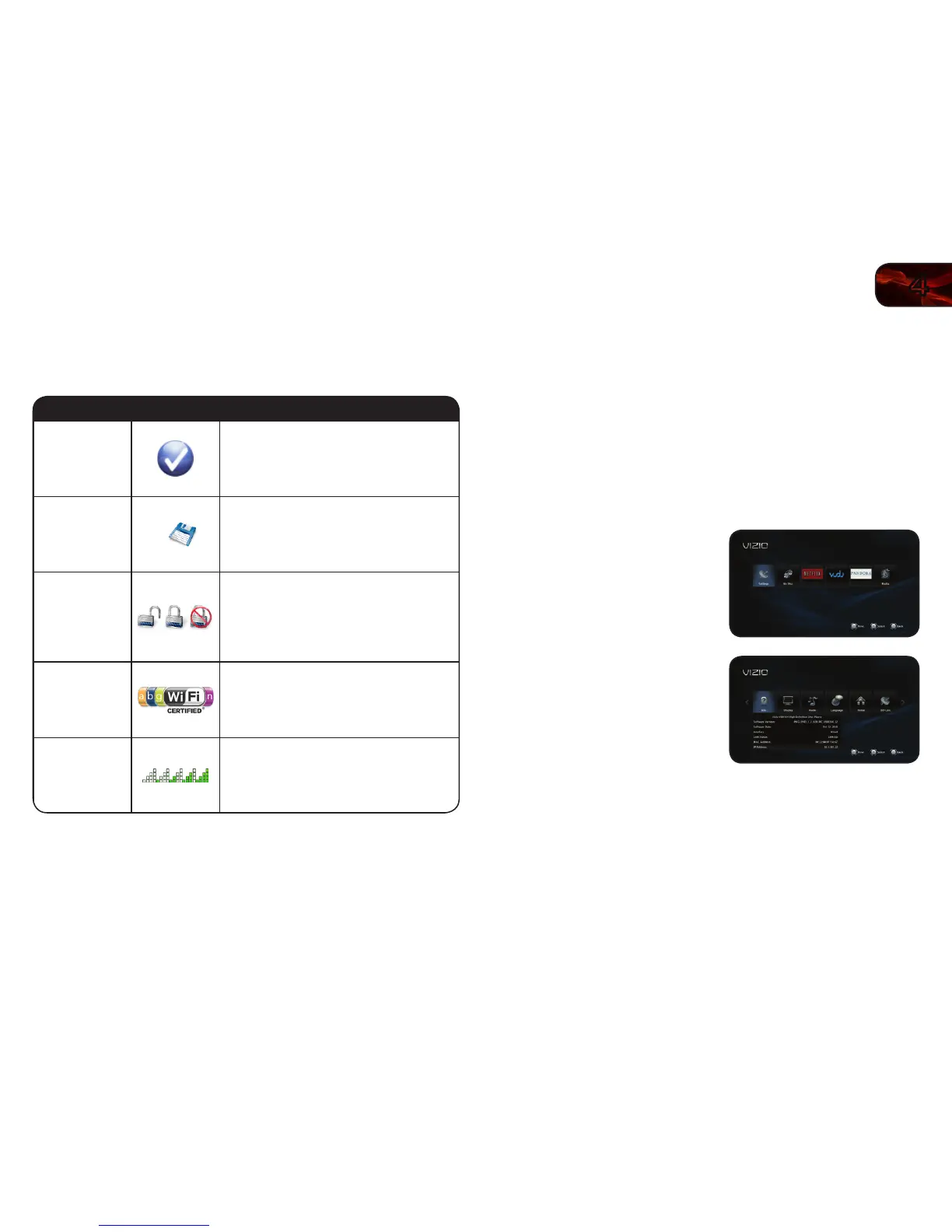
To access the info screen:
1. Turn on the player and your TV. Use
the Arrow buttons on the remote to
highlight Settings and press OK.
The Settings menu is displayed.
2. Use the Arrow buttons on the remote
to highlight Info and press OK.
The info screen is displayed.



 To Next Page