10 Attendant Features
Directory List
The following procedure is used to enter, edit, and erase names in
the Directory List for stations or speed dial numbers.
To modify the Directory List:
1. Enter desired three-digit Directory List number (000-199),
-or-
Scroll through the Directory List using [
] to view the next
entry, and [#] to view the previous entry.
» If changing a name that is already associated with an
existing station, skip to Step 4.
2. Press TRANS, then dial 3- or 4-digit station intercom number.
3. Press MUTE.
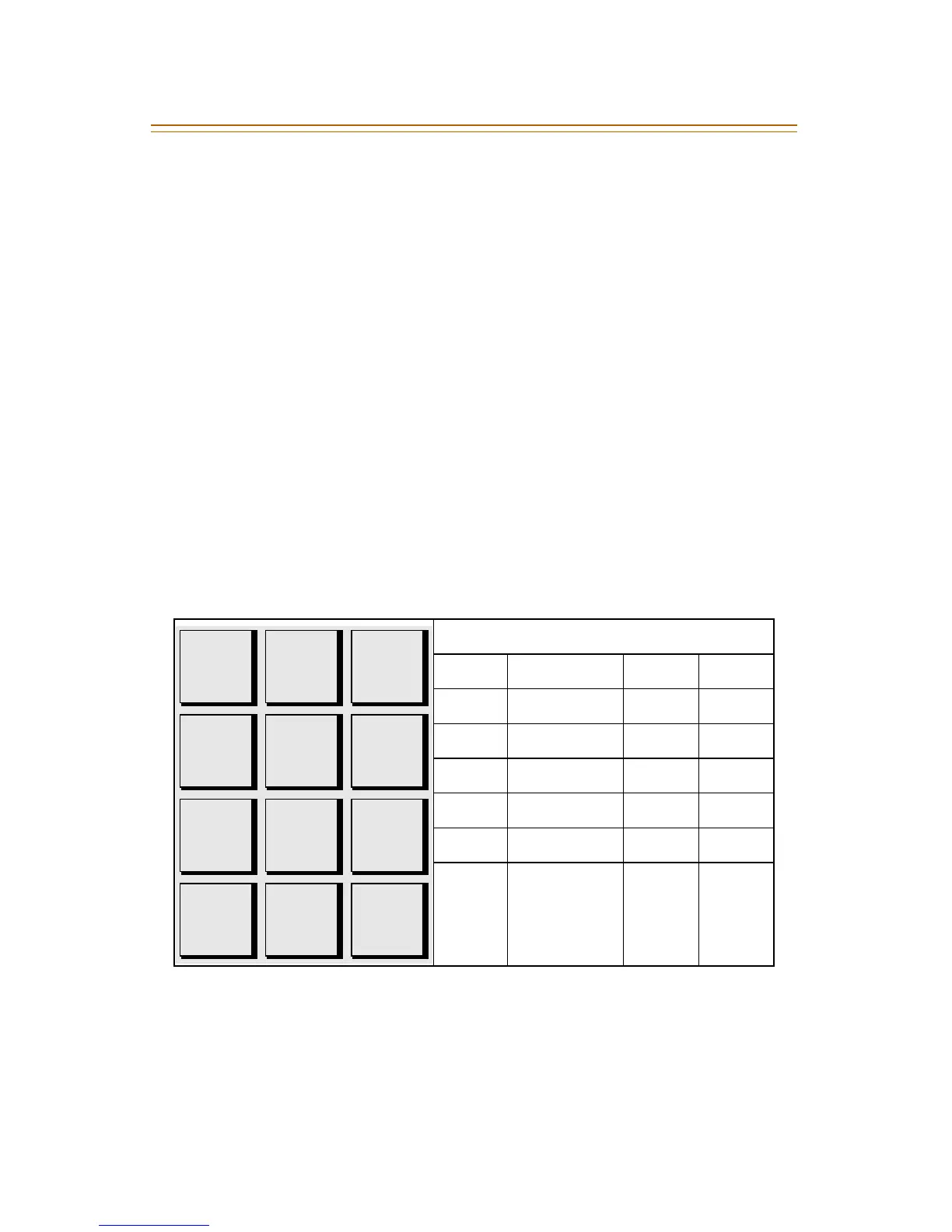
4. Enter the name (up to 24 characters) using the dial pad keys.
The display updates as the name is entered.
5. Press SPEED when finished. A confirmation tone sounds and
the display shows the new or changed name.
6. Press HOLD, then use the [
] or [#] key to view other entries.
-or-
Hang up to end programming.
Other Codes
1 = 1# 8 = 8# “ = 01 * = *#
2 = 2# 9 = 9# , = 02 ( = #1
3 = 3# 0 = 0# ? = 03 ) = #2
4 = 4# Space = 11 / = 04 + = #3
5 = 5# : = 12 ! = *1 = = #4
6 = 6# - = 13 $ = *2 # = ##
7 = 7# ‘ = 14 & = *4 . = 24
A - 21
B - 22
C - 23
D - 31
E - 32
F - 33
G - 41
H - 42
I - 43
J - 51
K - 52
L - 53
M - 61
N - 62
O - 63
T - 81
U - 82
V - 83
W - 91
X - 92
Y - 93
Z - 94
P - 71
R - 72
S - 73
Q - 74
#
0
0PER
1
*
D - 31
E - 32
F - 33



 To Next Page