Turning On and Off:
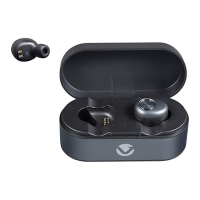
To turn on the earbuds, long press the MFB button until the
blue LED light flashes, you will then hear a voice prompt
stating that the earbud has been powered on. To turn off
the earbuds, long press the MFB button until the red LED
light flashes for three seconds, you will then hear a voice
prompt stating that the earbuds have been powered off.
Note:
Please note that the earbuds would need to be turned
on individually.
Earbuds:
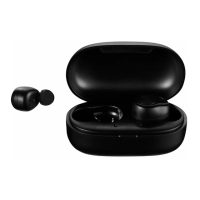
Turn on the main (left) earbud first then turn on the slave
earbud and allow a few seconds to pair. While powering on
the earbuds, hold down the MFB button to place the
earbuds on pairing mode.
Note:
This can be done separately to use earbuds individually.
BLUETOOTH PAIRING
1. Open the Bluetooth menu on the device you want to
pair. Some devices require you to select “Search for
Devices” or “Add New Device” in order to create a
Bluetooth pairing.
2. With the earbud turned off, flick the power switch to the
“On” position. The earbud will beep twice and the LED
will start flashing blue while the earbud is in
pairing mode.
BLUETOOTH DEVICE
5









 To Next Page