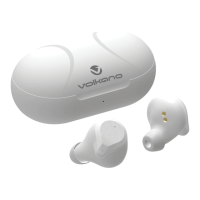
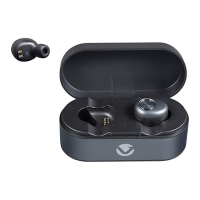
Once both of the Sync earbuds are turned on, it will
automatically connect with the last paired Bluetooth
device that is on and within range. If the Sync does not
connect automatically, open the Bluetooth menu on your
device and select “Sync master” from the Bluetooth
device list.
Hands Free Calling:
To answer / end a call while connected to the Sync
earbuds, short press the “MFB” button on the master (left)
earbud, and to reject an incoming call, press and hold the
“MFB” button.
Note:
When using hands free calling, your calls will only come
through on the master (left) earbud.
CONNECTING WITH PAIRED DEVICES
3. Wait until you see “Sync Master” on your device screen.
4. Select “Sync Master” on your device and follow any
further prompts to pair. Once pairing is complete and a
connection is established, the earbud will beep.
Note:
If you are unsure on how to access your Bluetooth menu
on your device, please refer to your device’s instruction
manual.



 To Next Page