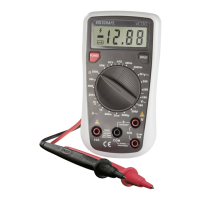
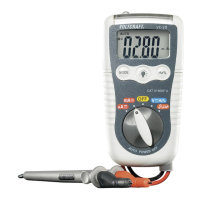
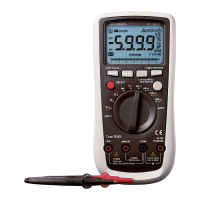
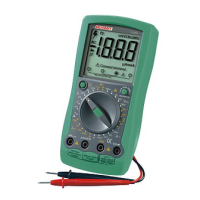
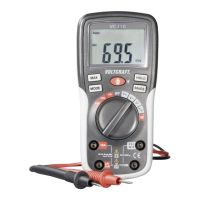
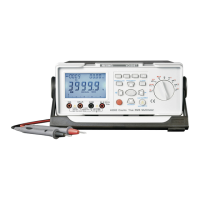
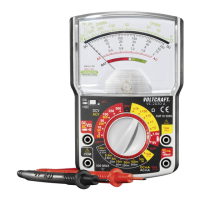
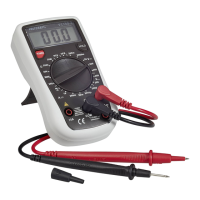
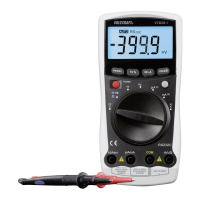
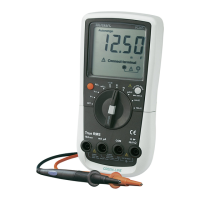
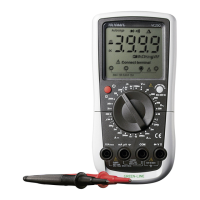
Description of the Function and the Buttons
A Connecting the measuring lead
Only use the enclosed measuring leads for any measurement.
Before every connection, check the connectors or measuring terminals and
ensure faultless insulation.
B Putting up the measuring instrument (slant).
At the back of the measuring instrument, there is a fold-out stand to slant the
measuring device, which will make the reading easier for you. However, you
must never operate the instrument lying on its front side (operational ele-
ments).
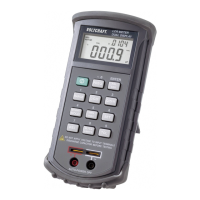
C Socket assignment
All the measuring sockets and bases are marked with different colours. Red
or "+" stands for positive polarity, black or "-" stands for negative polarity.
The two-pole base serves for measuring components with sufficiently long
connecting leads or the respective contact spacing. For any other compo-
nents, please use the enclosed measuring leads, with alligator clips at one
side.
Warning!
Observe the correct polarity for unipolar capacitors (Elkos)
D Button assignment
D1 "Power" button: instrument on – off
With this coloured button the instrument can be switched on and off. When
the button is pressed longer (for about 2 sec) the so-called auto-power-off
(APO) function is de-activated – see display top left). Thus the measuring
instrument will not be switched off when it is not used for approx. 10 minutes.
APO is not visible. But if you want the instrument to switch off automatically
after this period of time, switch off the instrument normally and switch it on
again. APO appears at the top left corner of the display.
Note!
In the function "MIN MAX", when connected to a PC and when an exter-
nal power supply is used, the APO is not active.
30
You should absolutely observe the safety instructions!
Problem Possible cause
No display, instrument Is the battery low?
switched on
Resistance displayed with The battery may be low.
open measuring leads
Maintenance and Calibration
Replacing Battery and Fuse
To ensure the accuracy of the LCR measuring instrument over a longer period
of time, it should be calibrated at least once a year. You will find a description
of how to replace batteries and fuses under "maintenance”.
For cleaning the instrument / the display window, use a clean, non-fluff, anti-
static, dry cloth.
Warning!
Do not use carbon-containing cleansing agents, benzines,
alcohols or the like as they attack the surface of the instru-
ment. Furthermore, fumes produced are detrimental to
health and are explosive. Do not use sharp tools, screw-
drivers, metallic brushes, etc. for cleaning.
Inserting/ replacing the battery
Your measuring instrument needs to be equipped with a 9 V compound bat-
tery to function properly. When the low battery symbol appears in the display,
you should replace the battery.
Proceed as follows:
Disconnect your instrument from the measuring circuit (inductor, resistor,
capacitor etc.), remove all the measuring leads from the instrument, switch it
off, remove the rubber holster, and remove the screws of the cover of the bat-
tery compartment with a suitable screwdriver. (Be careful: they can get lost
easily).
Now carefully remove the cover. Disconnect the used batteries from the ter-
minal clip and replace it by an unused battery of the same type.
39


 To Next Page
 Loading...