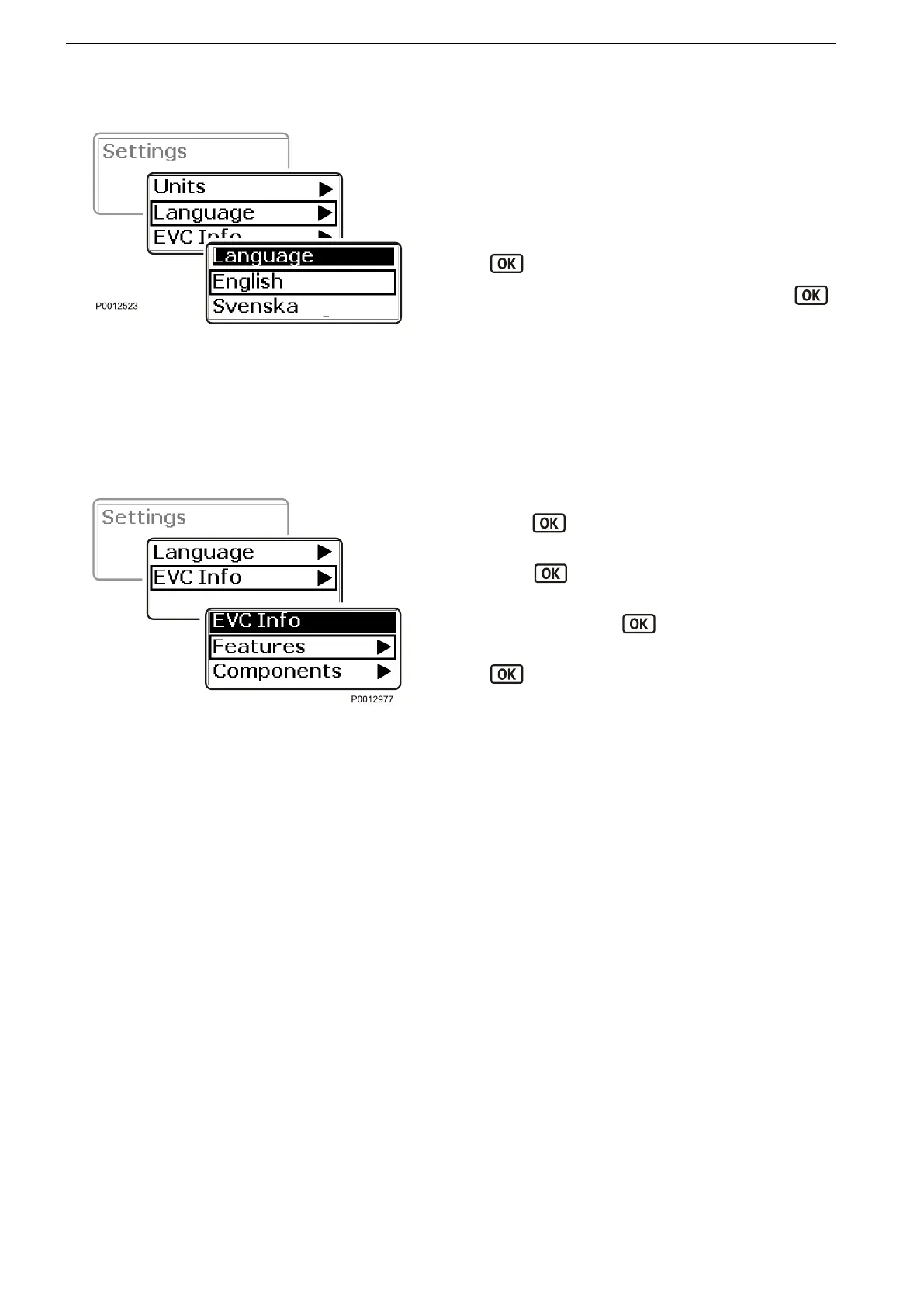
Language
Setting the
language the information of the screen will
be shown in. There are 10 languages to choose from.
On boats with several helm stations and several
screens it is enough to select a language in one station
for it to be displayed at all of them.
1 Navigate to Language in the settings menu. Press
to open the language menu.
2
Navigate to the desired language and press
to confirm the selection.
The screen will return automatically to the settings
menu.
EVC Info
Information regarding accessories, components and
the type of software installed in the boat is displayed
here.
1
Navigate to EVC Info in the settings menu and
press
to open the submenu.
2 Features shows
the accessories that are installed.
Press
to open the submenu.
3 Components shows what hardware components
are installed.
Press
to open the settings menu.
4 Software shows what software is installed. Press
to open the submenu.
Language
Components
Calibration and Settings
118 47702599 12-2011
47702599 - Downloaded from www.volvopenta.com 23/11/2015 22:01:35








 To Next Page