4" Display
IMPORTANT!
Make a habit of protecting the screen with the protec-
tive cover
when the boat is not in use. Prolonged expo-
sure to strong sunlight can damage the screen and
cause function faults.
The Volvo Penta 4" screen is controlled by means of
buttons on the panel:
Return to the previous menu by pressing the
button.
Press the button to adjust the display contrast.
The image reverts automatically a short while after
the button is released.
Menu button functions are shown on the dis-
play. Scroll
back and forth or confirm a selection by
pressing the appropriate button.
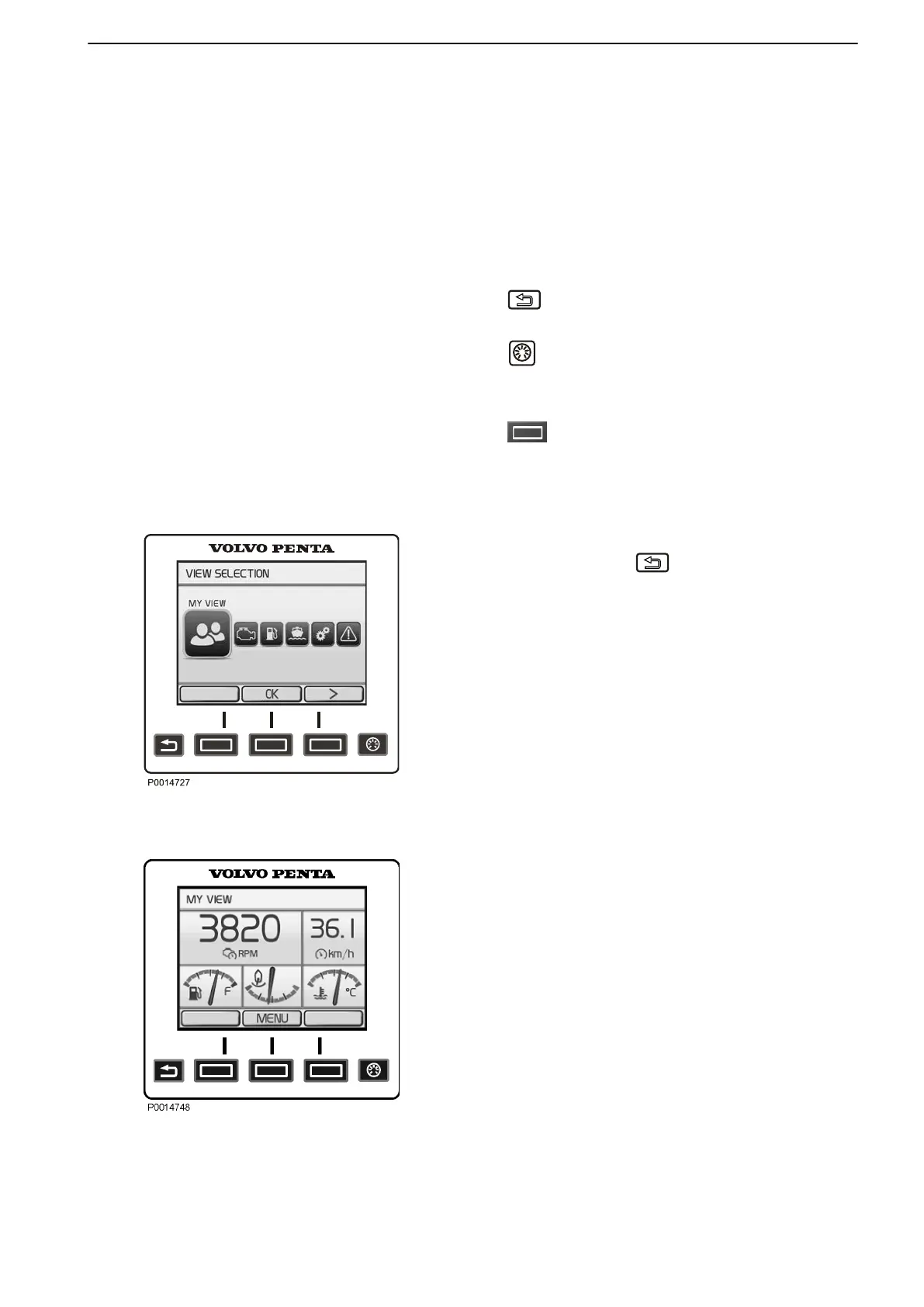
View Selection
The last selected view is shown on start. To return to
the main menu, click
. Navigate to the desired
screen using the arrow buttons.
•
My View Operating information
•
Engine View Engine information
•
Fuel economy Trip computer
•
Vessel Information regarding the boat's installation
•
Settings Settings, display and installed functions
•
Warning Manager Shows system faults detected
and describes remedial actions
My View
Gauge and operations information is shown in the My
View window.
Some functions
are pre-set as quick selections. These
can be switched on/off by pressing OK.
To change the gauge and information shown, refer to
Change gauge. Functions are also switched on and off
here.
View Selection
My View
Instruments and Controls
47702599 12-2011 17
47702599 - Downloaded from www.volvopenta.com 23/11/2015 22:01:35








 To Next Page