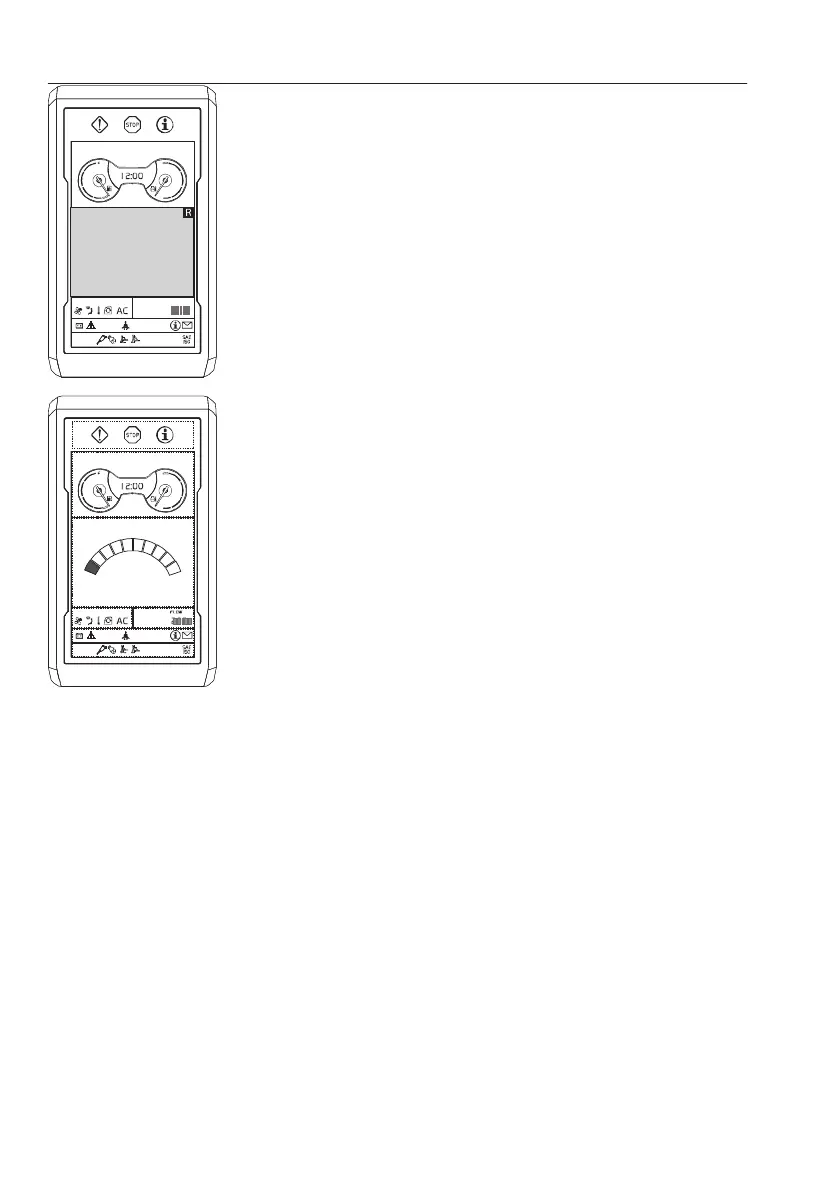
C Initial camera screen (if installed)
All the cameras installed on the machine will be
displayed on the I-ECU. The initial camera
screen is dismissed by pressing the camera
button on the keypad.
NOTE!
Press the camera button on the keypad for the
camera views when operating the machine. For
detailed information about camera control, see
page
135
.
D
Main screen
After the initial camera screen is dismissed, the
main screen is displayed.
NOTE!
Indicator for seat belt will be displayed for 3 seconds
on the "Daily maintenance" screen or main screen.
Fasten the seat belt before operating the machine.
l
F LO WCL IMAT E
V1158196
1000 rpm
46
Instrument panels
Display unit


 To Next Page