Display unit
Start sequence
Initial start sequence is performed as follows.
A
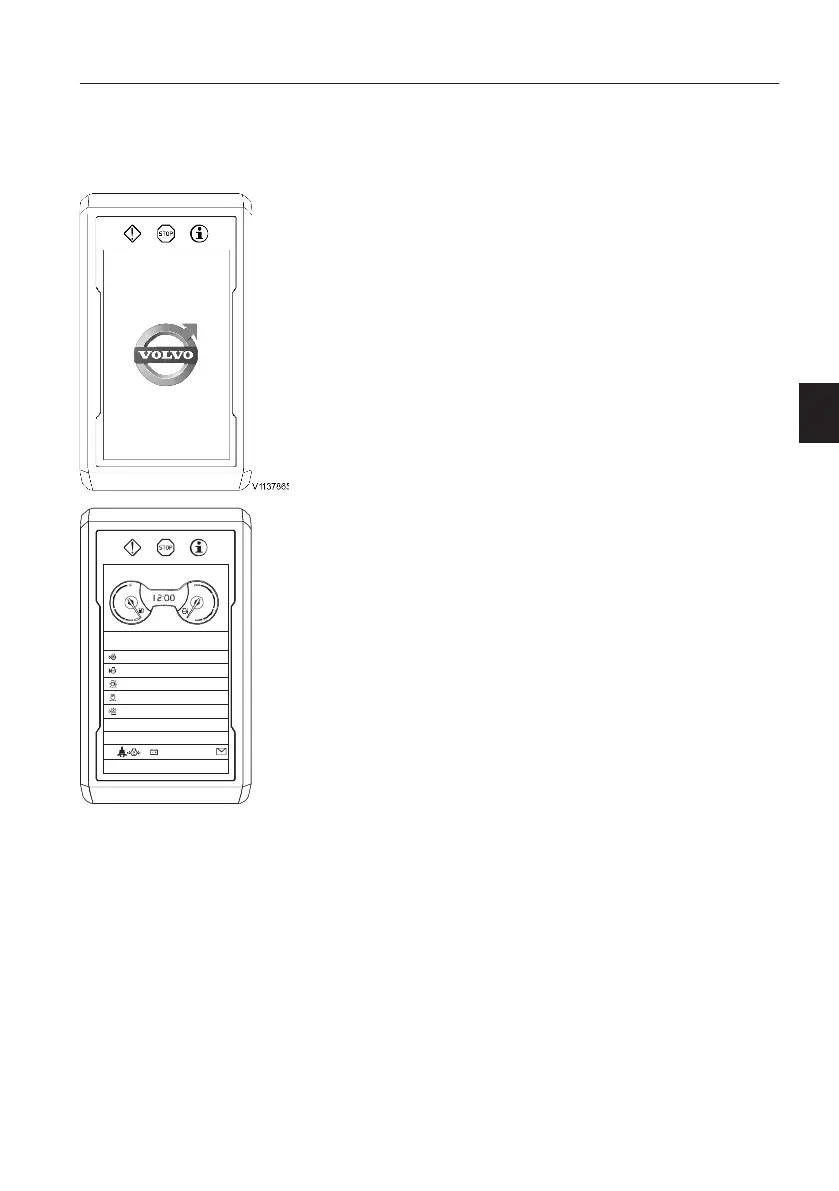
Volvo logo
If the operator turns the ignition switch to the
operating position, the Volvo logo on the I-ECU
screen lights up for a few seconds.
B
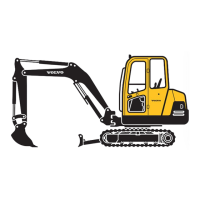
Daily maintenance
The operator can see daily maintenance items
once a day. This screen is dismissed by pressing
the ESC button or SELECT button and
disappears automatically after 5 seconds if there
is no button input.
V1159067
DAILY MAINTENANCE
Engine oil level
Coolant level
Water separator
Air cleaner
Hydraulic oil level
Travel/working light
Instrument panels
Display unit
45


 To Next Page