A
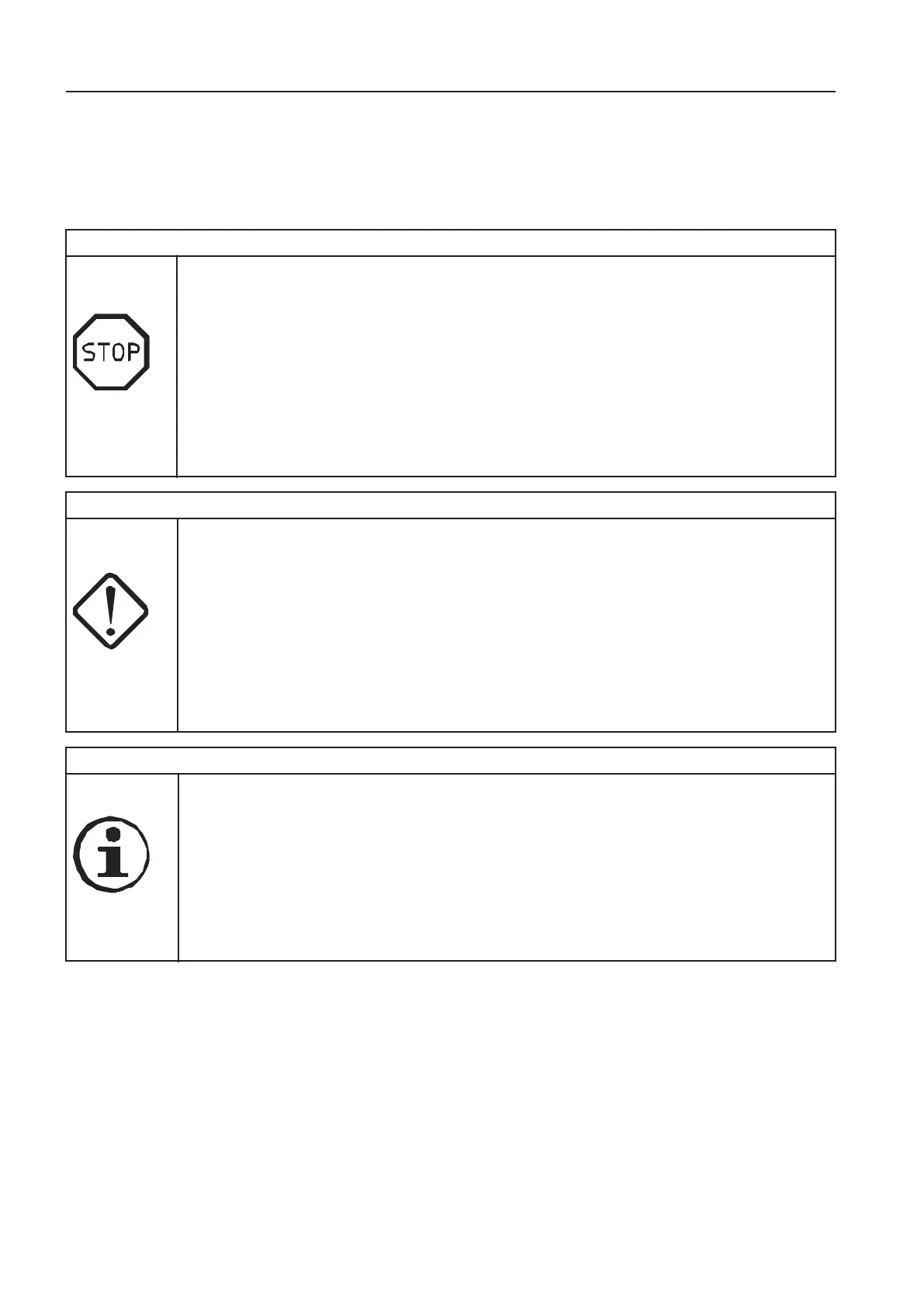
The information to the operator is provided on the IC (Instrument
Cluster) in the form of alarm texts, which are divided into three
classes: Information, Check and Warning.
a
r
n
i
n
g
V1161686
- This screen is to warn the operator when the electronic system senses a machine malfunction or a safety
related failure.
t
p
h
e
a
c
i
n
e
m
m
e
d
i
a
t
l
y
n
d
e
c
e
l
a
r
m
e
x
e
i
s
l
a
y
r
e
l
a
r
m
e
a
s
n
n
d
e
e
q
u
i
r
e
d
c
n
.
- The alarm text is shown in a red box and provides information on reason for alarm and required action.
- The red central warning symbol is shown.
- The buzzer will sound until the required action has been performed.
- The alarm text and the red central warning symbol will be shown until the required action has been
performed.
- Repair if possible or contact a qualified service technician.
a
u
t
i
o
n
h
e
c
V1161687
- This screen is to inform the operator when a partial failure of the machine is detected.
h
e
c
e
l
r
m
x
n
h
e
i
l
a
y
r
e
l
a
r
m
e
a
s
n
n
d
h
e
e
q
u
i
e
d
c
i
o
n
.
- The alarm text is shown in a yellow box and provides information on reason for alarm and required
action.
- The amber central warning symbol is shown.
- The buzzer sounds four times.
- Press SELECT button to obtain more information about the malfunction.
- The alarm text is shown until confirmation is performed by pressing ESC button.
- Repair if possible or contact a qualified service technician.
n
f
o
r
m
a
t
i
o
n
V1161688
- This screen is to give useful information about the machine.
e
c
e
l
a
r
m
e
x
n
e
i
l
a
y
r
h
e
l
a
r
m
e
a
s
n
n
d
e
e
q
u
i
r
e
d
c
o
n
.
- The alarm text is shown in a blue box and provides information on reason for alarm and required action.
- The blue information symbol is shown.
- The buzzer sounds two times.
- The alarm text is shown for eight seconds and then changes to operating display, or can be hided
immediately by pressing ESC button.
- Repair if possible or contact a qualified service technician.
8
n
s
r
u
m
e
n
t
a
n
e
l
s
i
s
l
a
y
n
i
t



 To Next Page