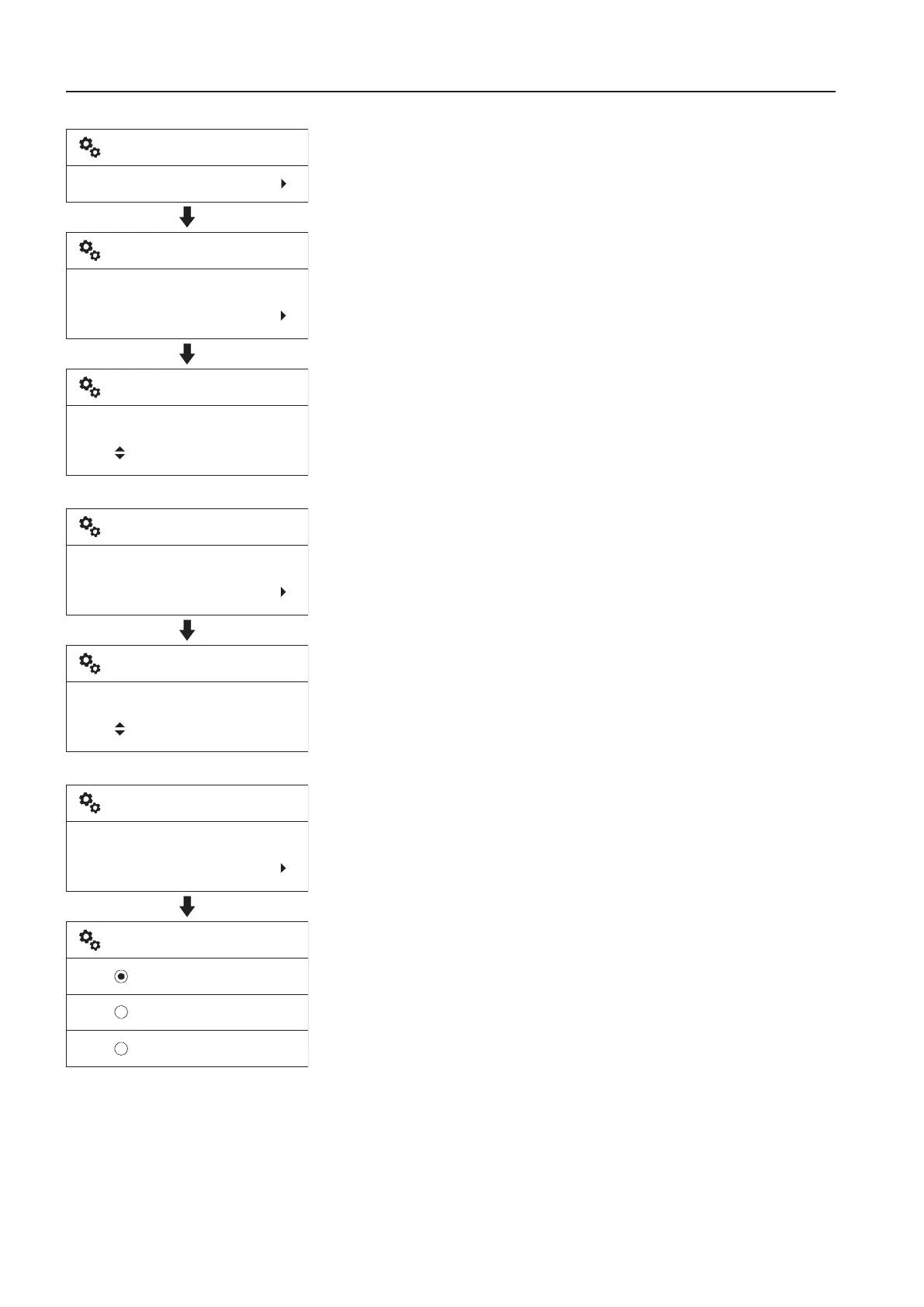
T
1D
: This is for adjusting the date. The preset date format
is shown in the first row of the screen.
- Adjust each segment of the time with the arrow buttons and
save the setting with the SELECT button. Use the ESC
button to cancel without saving.
2T
: This is for adjusting the time. The preset clock format
is shown in the first row of the screen.
- Adjust each segment of the time with the arrow buttons and
save the setting with the SELECT button. Use the ESC
button to cancel without saving.
3D
: The items "yyyymmdd", "mmddyyyy", and
"ddmmyyyy" decide how t he IC (Instrument Cluster) shows the
date. "yyyy" means year, "mm" means month, and "dd" means
day.
- Select the preferred format using the arrow buttons.
- Save the selected item using the SELECT button. Use the
ESC button to cancel without saving.
V1137905
Setup
Time/date
Date set
20140101
Time/date
yyyymmdd:
20140101
Set date
V1137906
Time set
12:30
Time/date
24h:
12:30
Set time
V1137907
yyyymmdd
mmddyyyy
ddmmyyyy
Date format
Date format
yyyymmdd
Time/date
8
n
s
r
u
m
e
n
t
a
n
e
l
s
i
s
l
a
y
n
i
t



 To Next Page