03 Planning your trip
Settings
03
48
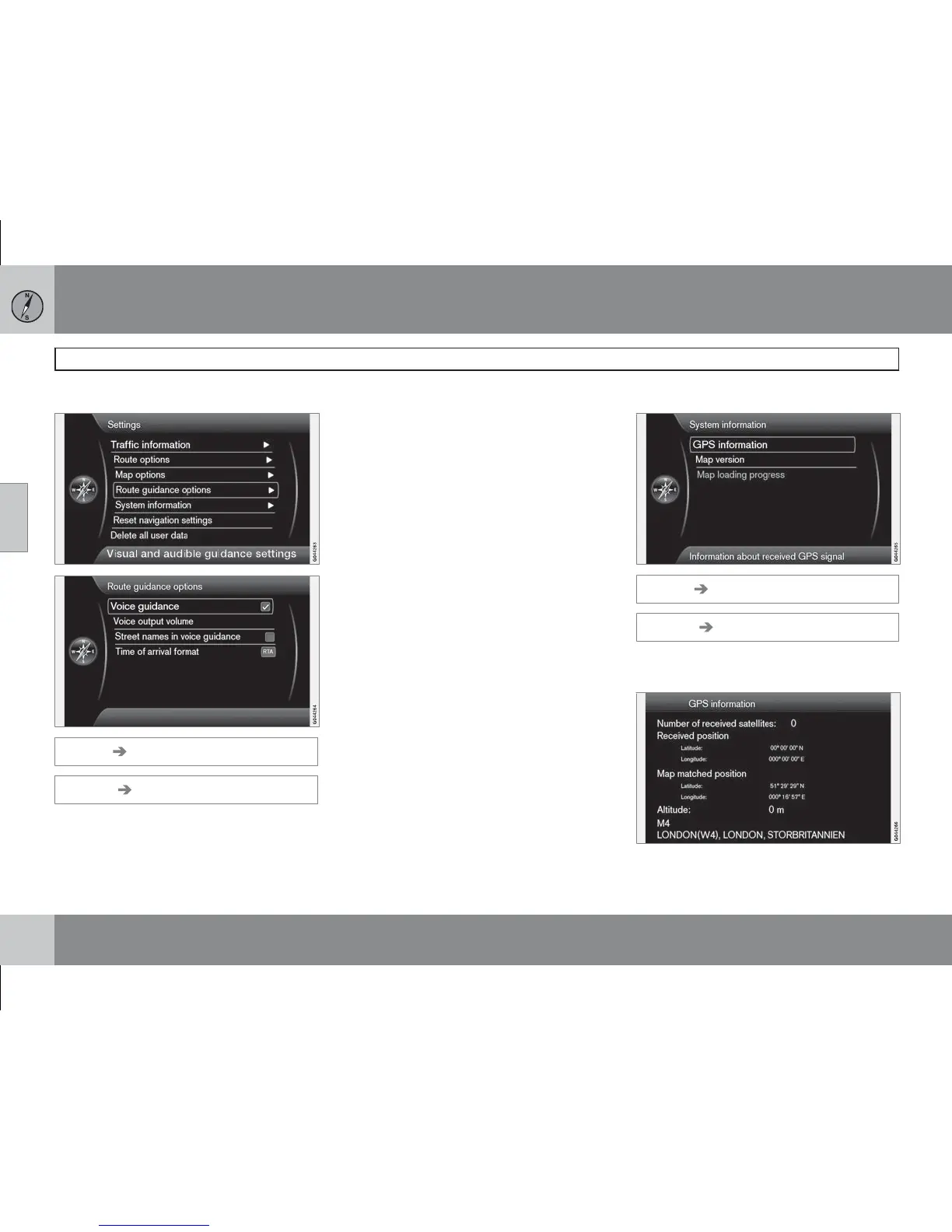
Guiding options
Settings Guidance options
(Settings Route guiding options)
Voice guidance
(Voice guidance)
If you want voice guidance - tick option Voice
guidance
(Voice guidance). See more infor-
mation on page 27.
Voice output volume
(Voice output volume)
The option shows a volume control on the
screen that can be used to adjust the Voice
guidance volume.
•
Adjust using the TUNE knob + OK.
See more information on page 15.
Street names in voice guidance
(Street names in voice guidance)
Besides the voice guidance information about
distance and direction, the function can also
pronounce names of streets and roads. To
activate the function:
•
Tick the box after Street names in voice
guidance
.
Time of arrival format
(Time of arrival format)
Select the time to appear on the screen:
•
ETA (Estimated Time of Arrival) - shows the
estimated arrival time
•
RTA (Remaining Time of Arrival) - shows
the remaining time until arrival.
System information
Settings System information
(Settings System information)
GPS information
(GPS information)
The screen shows:



 To Next Page