||
AUDIO AND MEDIA
46
Use the character wheel to enter search terms.
1.
Turn TUNE to the desired letter, press OK/
MENU to confirm. The number and letter
buttons on the control panel in the centre
console can also be used.
To change the input mode to numbers or
special characters, or to go to the results list,
turn TUNE to one of the options (see explan-
ation in the following table) in the list for
changing the input mode (2), press OK/
MENU.
2. Continue with the next letter and so on.
3. When you are satisfied with your search
term, select
Search.
> Search is carried out. The result is shown
and grouped in the following categories:
artist, album, track, genre, year and com-
poser.
4.
Turn TUNE to a category, press OK/MENU.
5.
Turn TUNE in order to select a media, press
OK/MENU to start playback.
123/AB
C
Change between letters and num-
bers with OK/MENU.
MORE
Change to special characters with
OK/MENU.
Search
Carry out media search.
| | }
Changes from the character
wheel to the
Keyword: field.
Move the cursor with TUNE.
Delete any misspelling with EXIT.
To return to the character wheel,
press OK/MENU.
Note that the digit and letter but-
tons on the control panel can be
used for editing in the
Keyword:
field.
A short press on EXIT deletes an input character.
A long press on EXIT will clear all entered char-
acters.
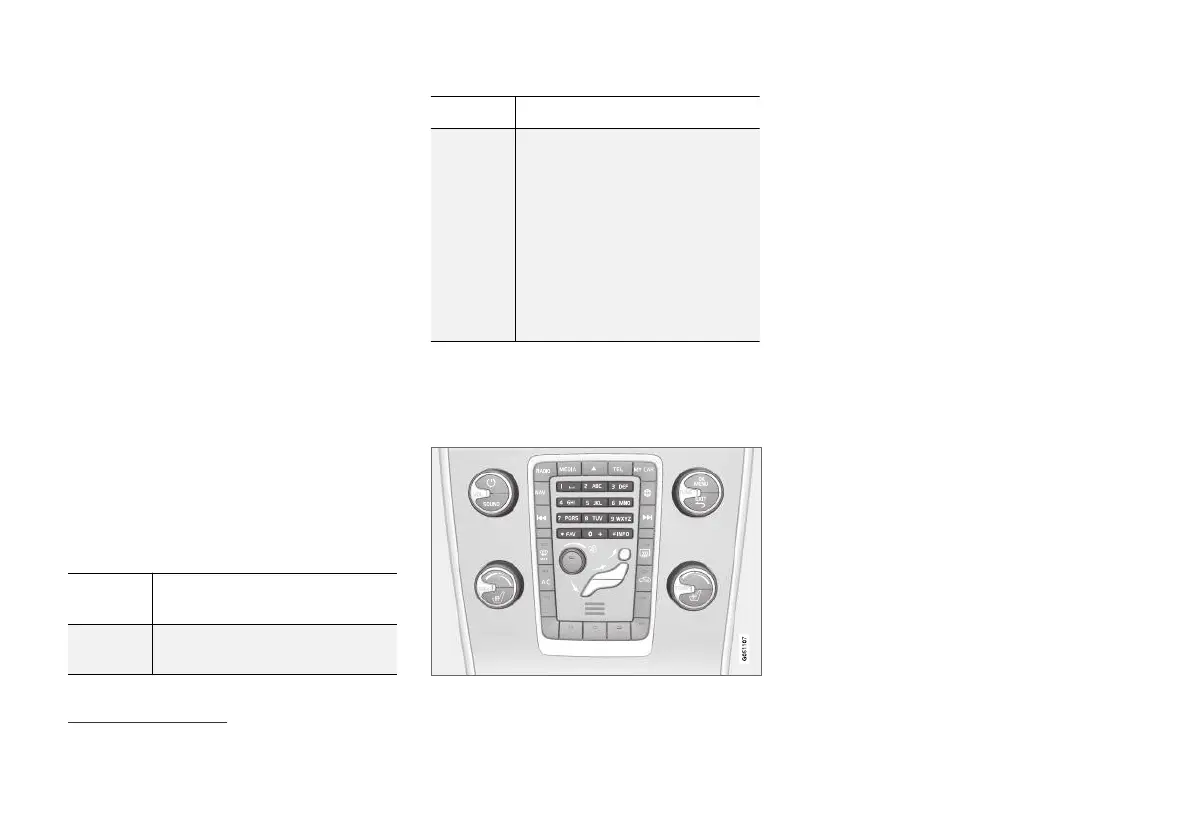
Enter with the numerical keyboard
Numerical keyboard.
Another way of entering characters is to use the
centre console's buttons 0-9, * and #.
When e.g. 9 is pressed, a bar appears with all
characters
15
under the buttons, e.g.
W, x, y, z and
9. Quick presses on the button move cursor
through these characters.
•
Stop with the cursor on the desired character
in order to select it - the character is shown
on the enter line.
•
Delete/change using EXIT.
To enter a number, hold in the corresponding
number key.
15
The character for each button may vary depending on market/country/language.



 To Next Page