||
AUDIO AND MEDIA
86
Related information
•
Audio and media - operating the system
(p. 28)
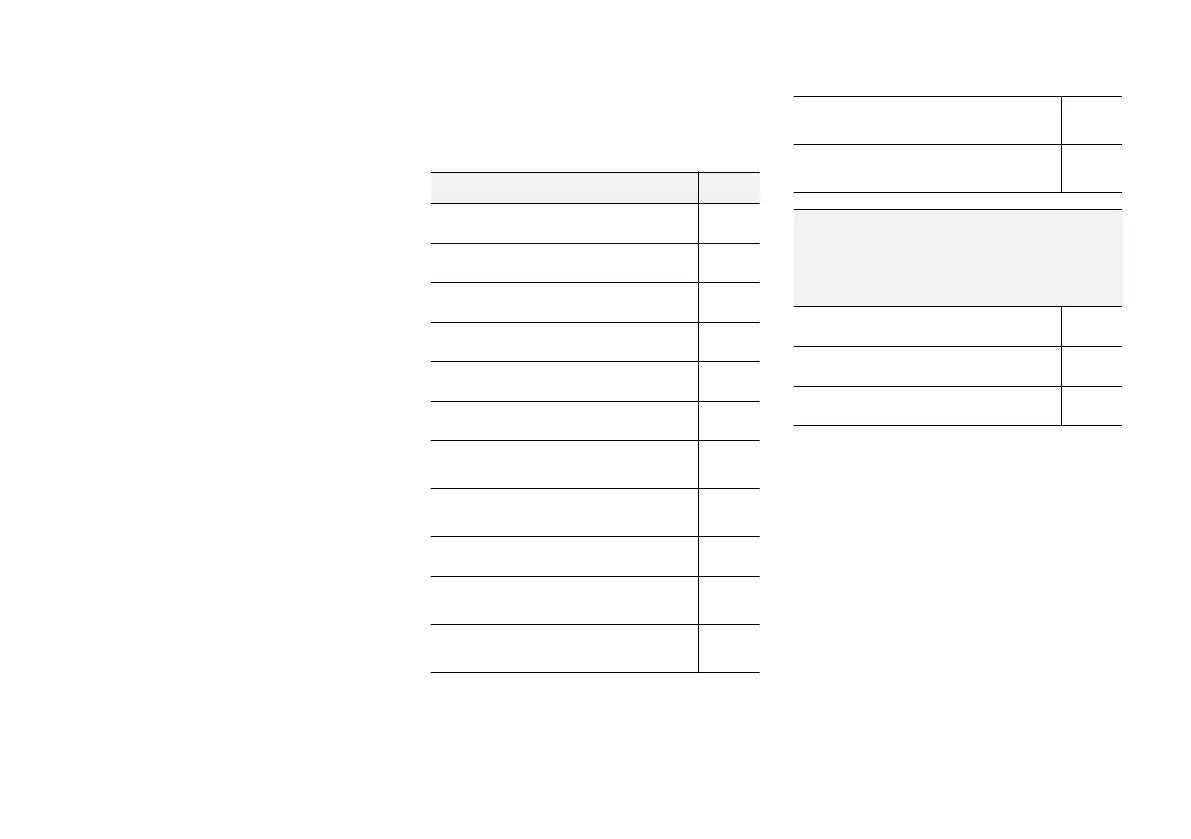
Menu overview - DVD Video
Overview of possible options and settings for
DVD Video.
DVD video menu
See
Play/Pause
(p. 47)
DVD disc menu
(p. 47)
Stop
(p. 47)
Subtitles
(p. 47)
Audio tracks
(p. 47)
Advanced settings
Angles (p. 48)
Screen ratios
FAV key options
(p. 33)
No function
Play/Pause (p. 47)
Next subtitle (p. 47)
Next audio track (p. 47)
Pop-up menu, DVD Video
Press OK/MENU when a video file is being
played back in order to access the pop-up
menu.
Image settings
(p. 48)
Video DVD menu
(p. 28)
DVD disc menu
(p. 47)
Related information
•
Audio and media - operating the system
(p. 28)



 To Next Page