DISPLAYS AND VOICE CONTROL
}}
107
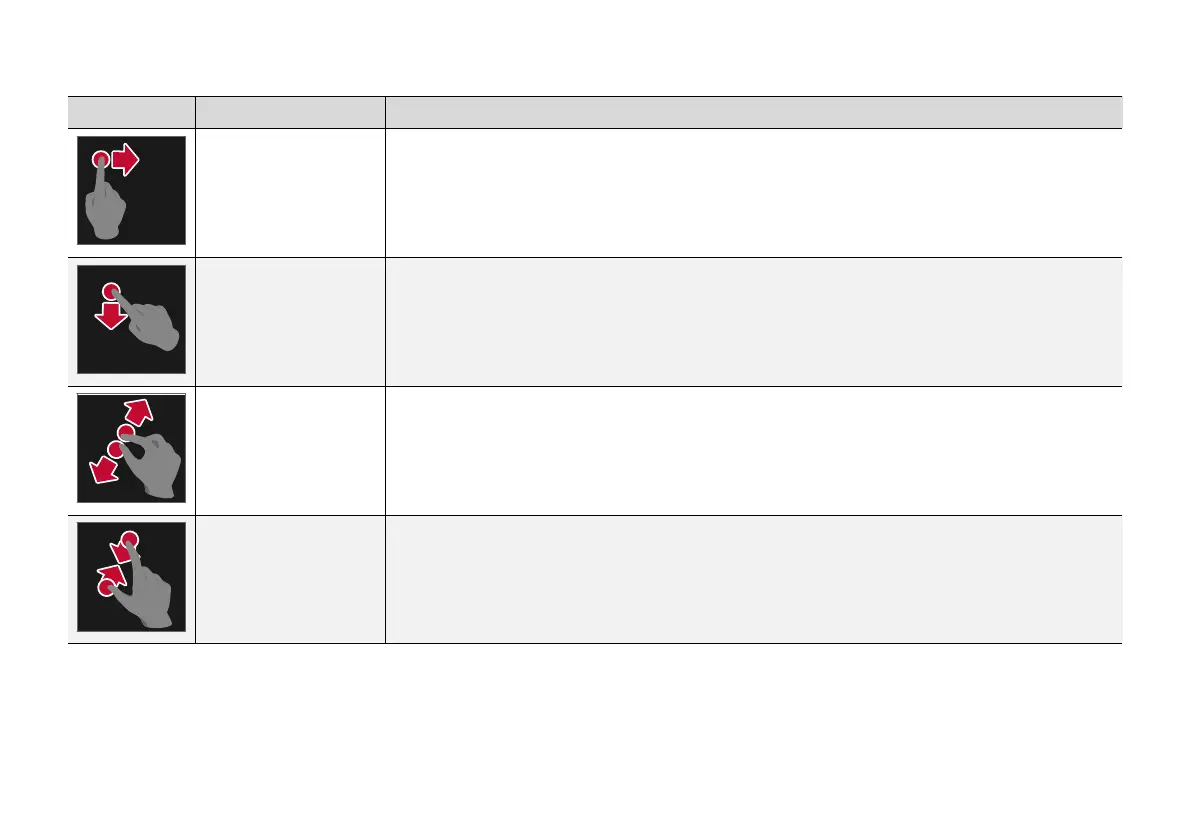
Procedure Execution Result
Drag Changes between different views, scrolls a list, text or view. Hold depressed and drag in order to move apps
or map points on the map. Drag horizontally or vertically across the screen.
Swipe/drag quickly Changes between different views, scrolls a list, text or view. Drag horizontally or vertically across the screen.
Note that touching the upper section of the screen may cause the top view to open.
Drag apart Zooms in.
Drag together Zooms out.


 To Next Page