DISPLAYS AND VOICE CONTROL
127
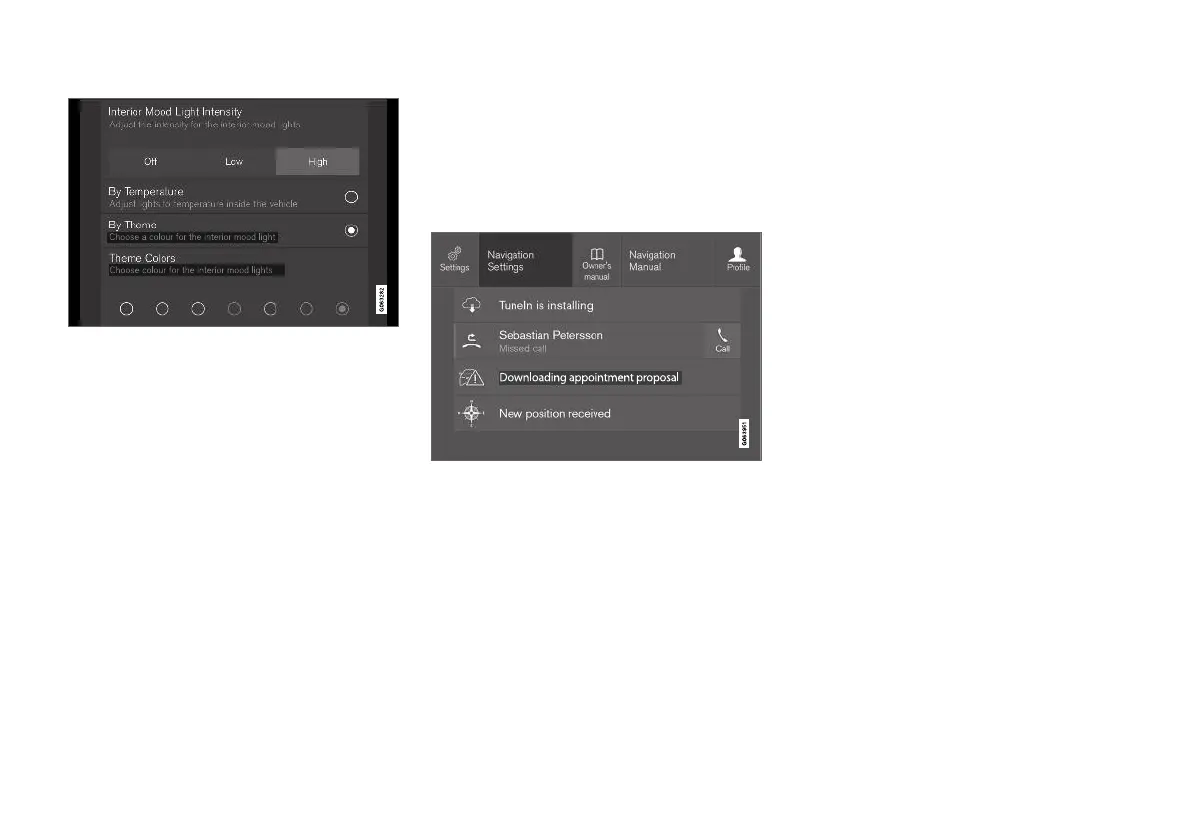
A subcategory in the settings menu with different types
of settings (here, a multi-selector button and radio but-
tons).
Related information
•
Overview of centre display (p. 103)
•
Resetting settings in the centre display
(p. 128)
•
Table showing centre display settings
(p. 129)
Open contextual setup in the centre
display
It is possible to use contextual setup for most of
the car's basic apps so that you can change set-
tings directly in the top view in the centre dis-
play.
Top view with button for contextual setting.
Contextual setting is a shortcut for accessing a
specific setting relating to the active function
shown on screen. The apps installed in the car
from the beginning, e.g.
FM radio and USB, are
a part of Sensus and are part of the car's embed-
ded functions. The settings for these apps can be
changed directly via contextual setting in the top
view.
When contextual setup is available:
1. Drag down top view when an app is in
expanded mode, e.g.
Navigation.
2.
Press
Navigation Settings.
> A navigation settings page opens.
3. Change settings as desired and confirm the
selections.
Press
Close or the physical home button
beneath the centre display to close setup view.
Most of the car's basic apps have this contextual
setting option, but not all.
Third party apps
Third party apps are not included in the car's sys-
tem from the beginning, but are the type that can
be downloaded e.g.
Volvo ID. Here the settings
are always made inside the app and not from the
top view.
Related information
•
Other settings in the centre display's top
view (p. 126)
•
Overview of centre display (p. 103)
•
Resetting settings in the centre display
(p. 128)
•
Downloading apps (p. 521)



 To Next Page