DRIVER SUPPORT
401
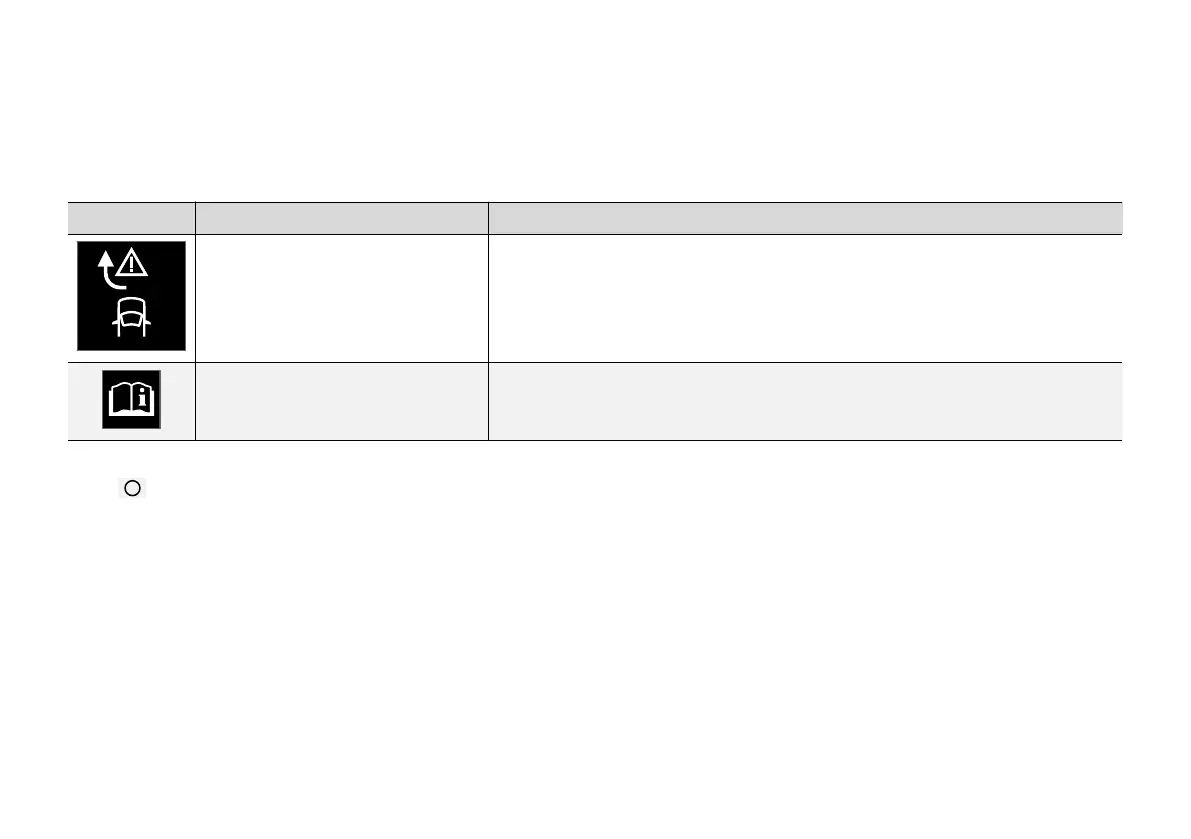
Symbols and messages for steering
assistance upon risk of collision
A number of symbols and messages regarding
the function can be shown on the driver display.
The following table shows some examples.
Symbol Message Specification
Collision avoidance assistance
Automatic intervention
When the function is activated, a message is shown to the driver indicating that the system
has been activated.
Windscreen sensor
Sensor blocked, see Owner's manual
The ability of the camera to scan the roadway in front of the car is reduced.
A text message can be cleared by briefly press-
ing the
button, located in the centre of the
steering wheel's right-hand keypad.
If a message remains: Contact a workshop – an
authorised Volvo workshop is recommended.
Related information
•
Steering assistance at risk of collision
(p. 392)



 To Next Page