DRIVER SUPPORT
* Option/accessory.
376
•
Road Sign Information with Speed Camera
Information (p. 381)
•
Limitations of Road Sign Information
(p. 382)
Activating/deactivating Road Sign
Information
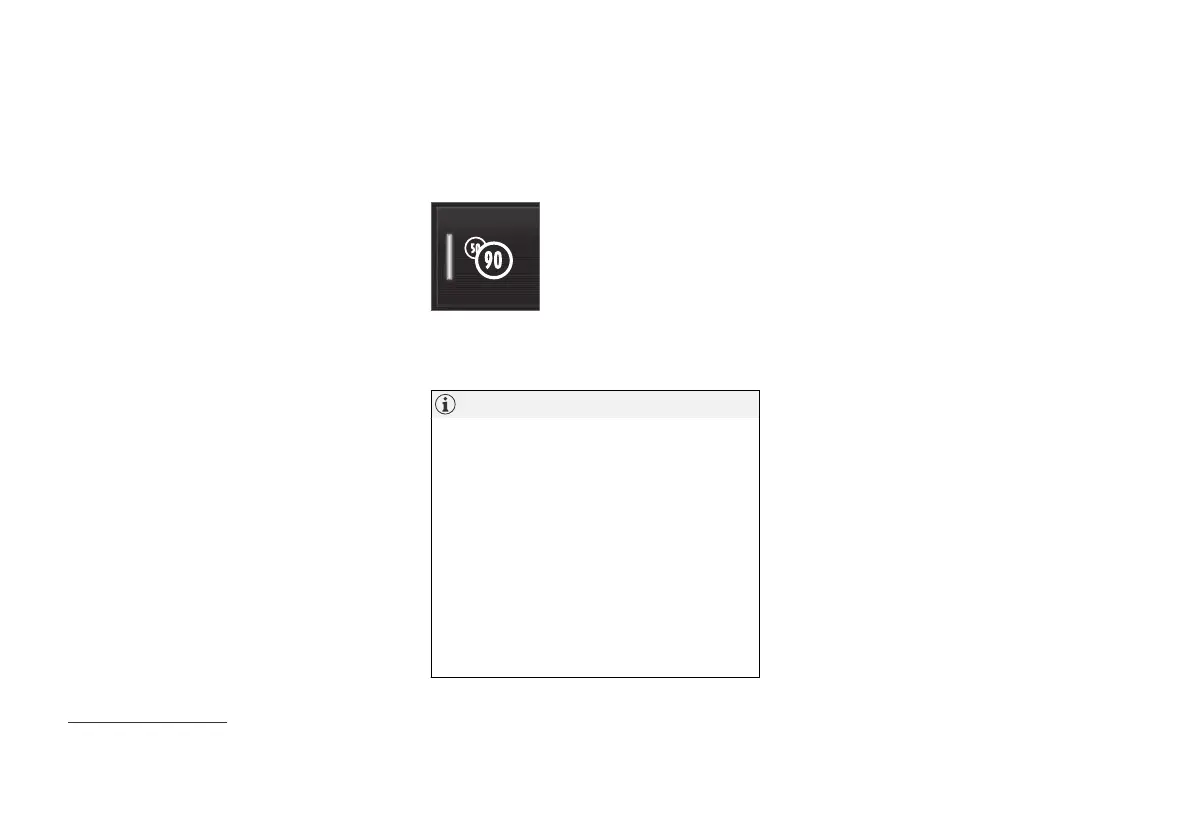
The Road Sign Information function is selectable
- the driver can select On or Off.
Press the
Road Sign
Information button in the cen-
tre display function view.
•
GREEN button indication - RSI is activated.
•
GREY button indication - RSI is deactivated.
NOTE
•
If the Automatic Speed Limiter function is
activated, road sign information is shown
in the driver display even if RSI
91
is not
activated.
•
To remove road sign information from the
driver display, you must deactivate both
Automatic Speed Limiter and RSI.
•
When the Automatic Speed Limiter func-
tion is activated but RSI is deactivated, no
warnings are given from RSI. RSI must
also be activated in order to receive
warnings.
Related information
•
Road Sign Information* (p. 375)
91
Road Sign Information – RSI



 To Next Page