||
DRIVER SUPPORT
* Option/accessory.
380
Settings
Adjust the limit for Speed Warning
The driver can select to receive a warning at a
higher speed than the signed speed.
Select limit for speed warning as follows:
1. Select
Settings My Car IntelliSafe
Road Sign Information in the centre
display's top view.
2.
Select
Speed Limit Warning.
> The function is activated and a speed limit
selector appears.
3. Adjust the limit for Speed Warning by press-
ing the up/down arrows on the screen.
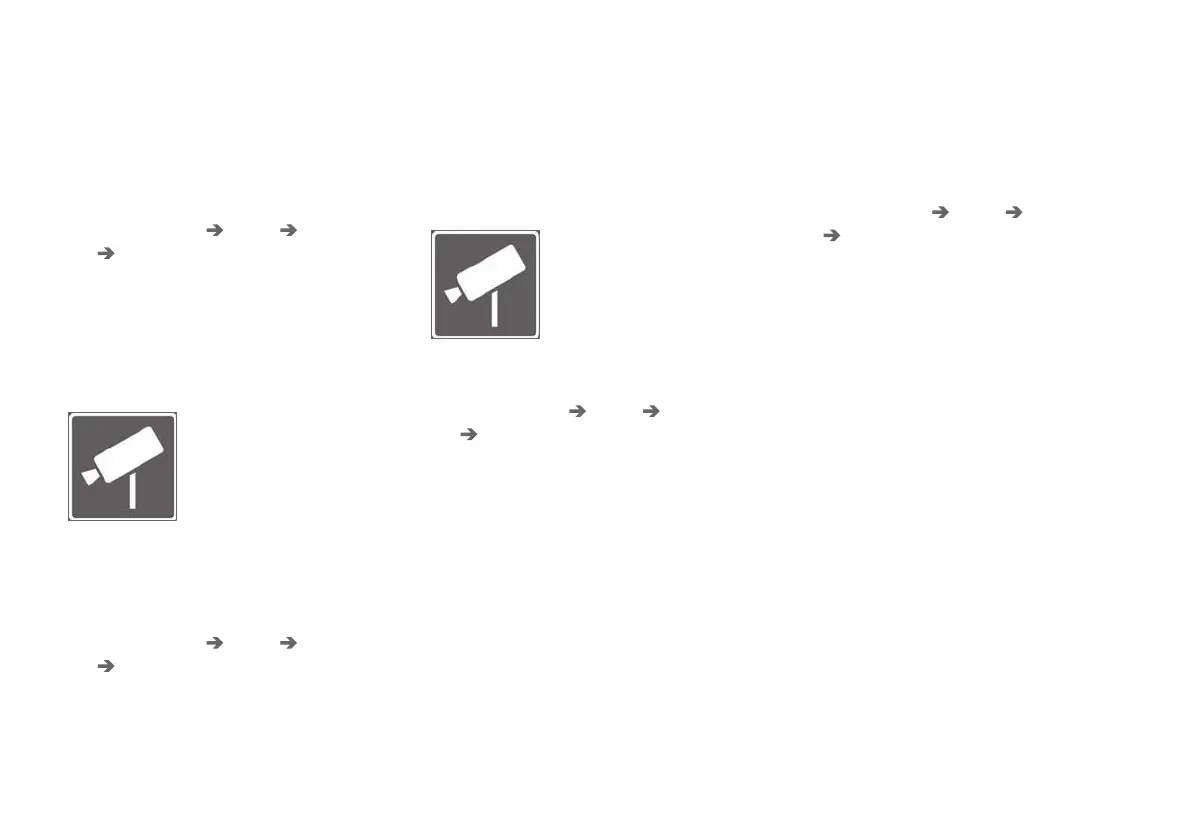
Note that the function does not
give any consideration to
selected limit adjustment when
the driver display shows the
speed camera symbol.
Acoustic warning On/Off
It is also possible to receive an audible warning in
connection with Speed Warning.
Change setting for acoustic warning as follows:
1. Select
Settings My Car IntelliSafe
Road Sign Information in the centre
display's top view.
2.
Select/deselect
Road Sign Audio Warning
to activate/switch off the acoustic warning.
With the Road Sign Audio Warning function
activated, the driver is also warned when driving
towards one-way traffic/no-entry entrance.
Speed camera warning On/Off
If the car is fitted with Sensus
Navigation* and map data con-
tains information on speed
cameras, the driver can opt to
receive an audible warning
when approaching a speed
camera.
Change setting for acoustic warning as follows:
1. Select
Settings My Car IntelliSafe
Road Sign Information in the centre
display's top view.
2.
Select/deselect
Speed Camera Audio
Warning to activate/switch off the audible
speed camera warning.
Related information
•
Road Sign Information* (p. 375)
•
Road Sign Information with Speed Camera
Information (p. 381)
Activating/deactivating Speed
warning in Road Sign Information
The subfunction Speed Limit Warning is acti-
vated as follows:
1. Select
Settings My Car IntelliSafe
Road Sign Information in the centre
display's top view.
2.
Select
Speed Limit Warning.
> The function is activated and a speed limit
selector appears.
(See the description for "Adjust the limit
for Speed Warning" in the section "Road
Sign Information with Speed Warning and
Settings")
Related information
•
Road Sign Information* (p. 375)
•
Road Sign Information with Speed Warning
and Settings (p. 379)



 To Next Page