||
DISPLAYS AND VOICE CONTROL
* Option/accessory.
80
On the left In the middle On the right
–
Navigation map*
Instantaneous fuel consumption
– Phone App menu (activated via steering wheel keypad)
– Voice recognition –
A
Depends on drive mode selected.
B
Accumulated mileage.
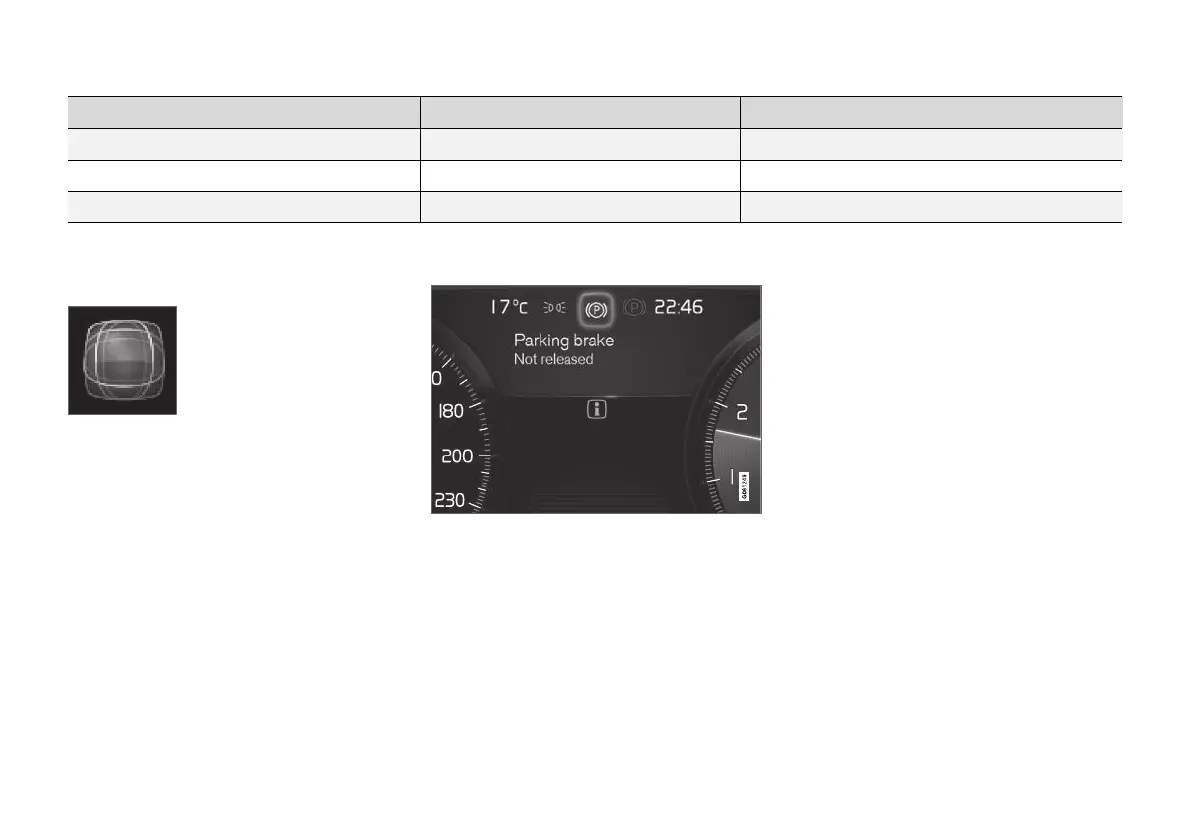
Dynamic symbol
The dynamic symbol in its basic
form.
The centre of the driver display contains a
dynamic symbol that changes appearance for dif-
ferent types of message. An amber or red marker
around the symbol indicates the degree of
severity of a control or warning message. With an
animation, the basic shape can be turned into a
larger image in order to graphically indicate
where a problem is situated or to clarify informa-
tion.
Examples of indicator symbol.
Related information
•
Driver display settings (p. 81)
•
Warning symbols in the driver display
(p. 91)
•
Indicator symbols in the driver display
(p. 89)
•
Trip computer (p. 84)
•
Messages in the driver display (p. 100)
•
Handling the application menu in the driver
display (p. 99)



 To Next Page