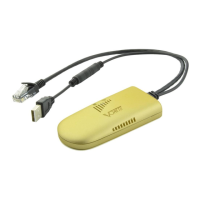
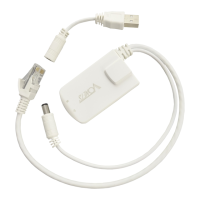
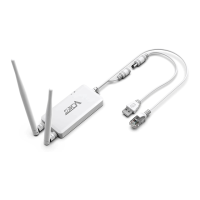
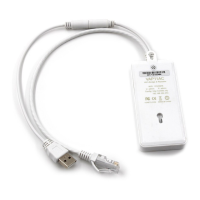
① VONETS module/WiFi product is not connected to any hotspot, WiFi connection status light
will flash quickly;
② VONETS module/WiFi product is connected to hotspot successfully, WiFi connection status
light will quick flash;
③ VONETS module/WiFi product is connected to hotspot successfully, but hotspot signal
strength is less than 50% greater than 10%, WiFi status light will pause flash and flash;
④ VONETS module/WiFi product is connected to hotspot failed, WiFi connection status light will
flash slowly.
2.3 AP Application Configuration
VONETS module/WiFi product can be configured as an AP application. The wireless terminal device
can connect to VONETS module/finished product hotspot to connect to the network; however, it is
best to change its WiFi name and password for network security.
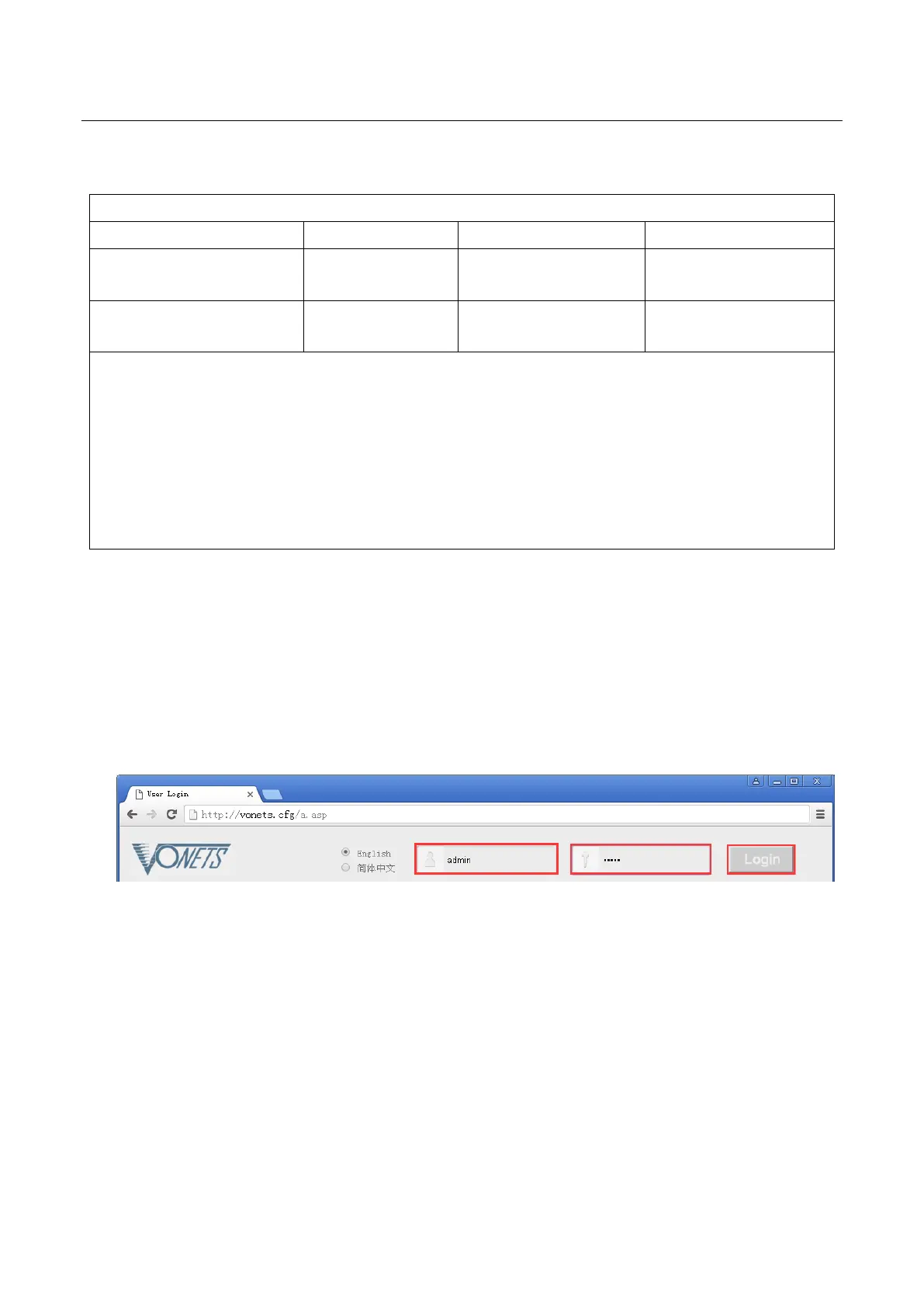
1. Log in to the configuration page http://vonets.cfg (or IP: 192.168.254.254) in your computer
browser, both user name and password are “admin”
2. Revise WiFi name: Jump to “WiFi Repeater”---- “Basic Settings”, enter new WiFi name in
“WiFi Repeater (SSID)”, click “Apply”;



 To Next Page