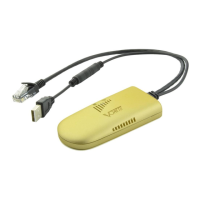
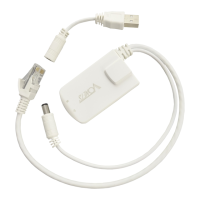
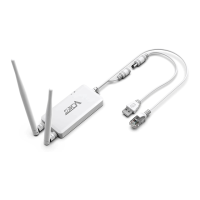
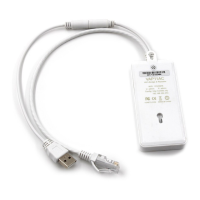
VONETS - Wireless Module/Finished Product
Contents
Chapter 1 Application Mode ................................................................... 1
1.1 Bridge + Repeater Mode .............................................................................................................. 1
1.2 Router Mode ................................................................................................................................ 2
Chapter 2 Bridge+Repeater Mode Configuration Instruction ................ 3
2.1.1 Device Connection .................................................................................................................... 3
2.2 Bridge+Repeater Application Configuration ................................................................................ 4
2.3 AP Application Configuration ....................................................................................................... 7
Chapter 3 Router Mode Configuration Instruction .................................. 9
3.1 Change device mode .................................................................................................................... 9
3.2 WAN port setting........................................................................................................................ 11
3.2.1 WAN/LAN exchange ............................................................................................................ 11
3.2.2 WAN Port connection method ......................................................................................... 12
3.2.3 WAN port wired connect network——DHCP .................................................................. 12
3.2.4 WAN port wired connect network——PPPoE ................................................................. 13
3.2.5 WAN port wireless connect network---- WiFi ................................................................ 13
3.3 Set WiFi hotspot parameters .................................................................................................. 15
Appendix Frequently Asked Questions ................................................. 17



 To Next Page