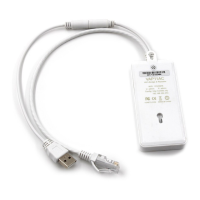
VONETS - Wireless Module/Finished Product
3
Chapter 2 Bridge+Repeater Mode Configuration Instruction
2.1 Method 1: Log in to the device's Web configuration page to configure
2.1.1 Device Connection
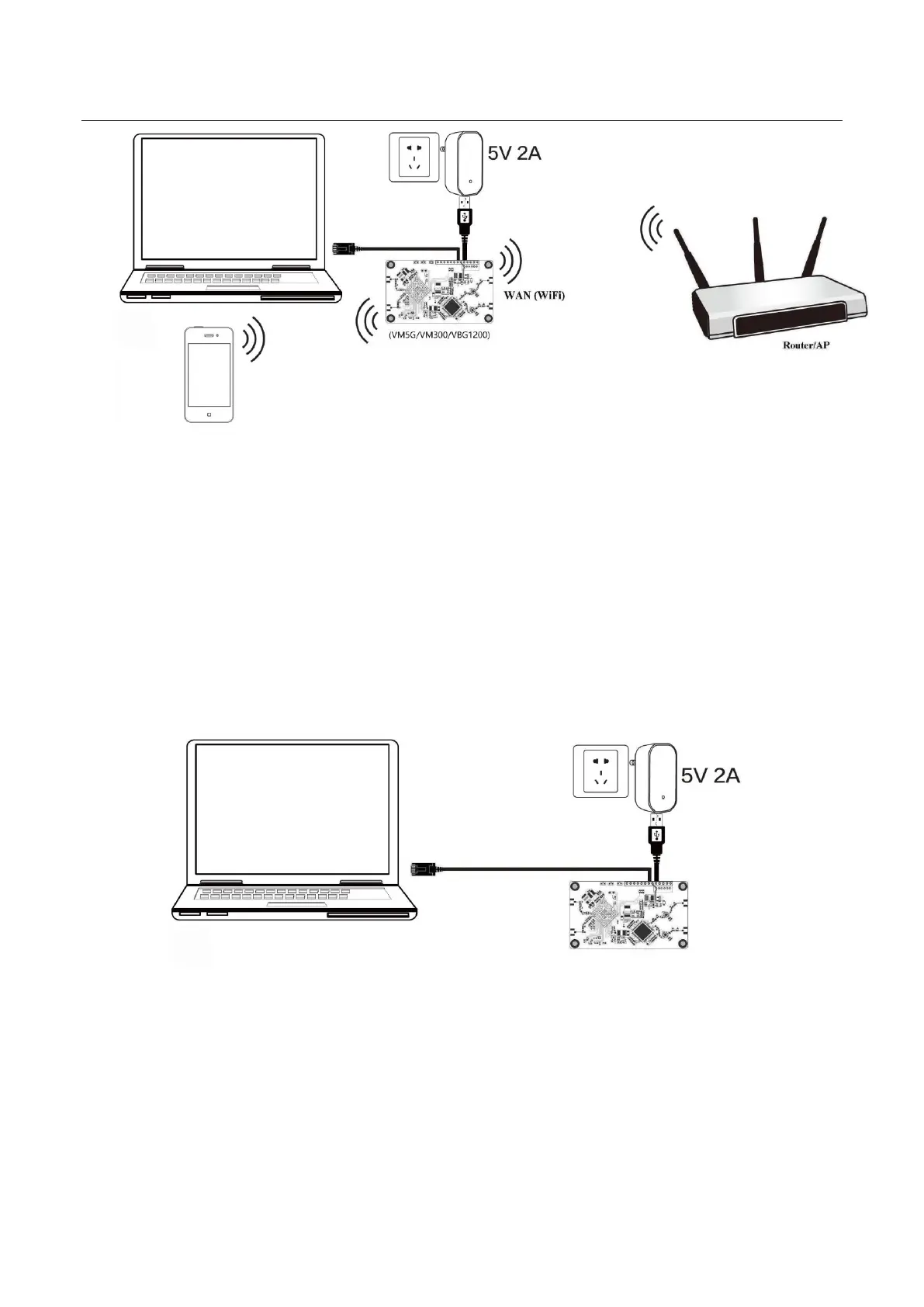
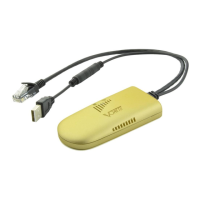
Power on VONETS module/WiFi product by 5V/2A power supply, then connect to PC, there are two
connection ways as below:
A. Computer is wired connected to LAN port of VONETS module/WiFi product;
(Recommend Method)
B. The computer wirelessly connects to the WiFi signal of VONETS module/WiFi product, its
default hotspot parameters are as follows:
WiFi SSID: VONETS_****** (corresponding to VONETS device MAC address)
WiFi password: 12345678



 To Next Page