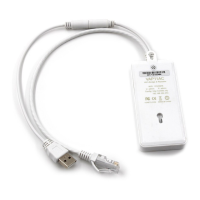
VONETS - Wireless Module/Finished Product
16
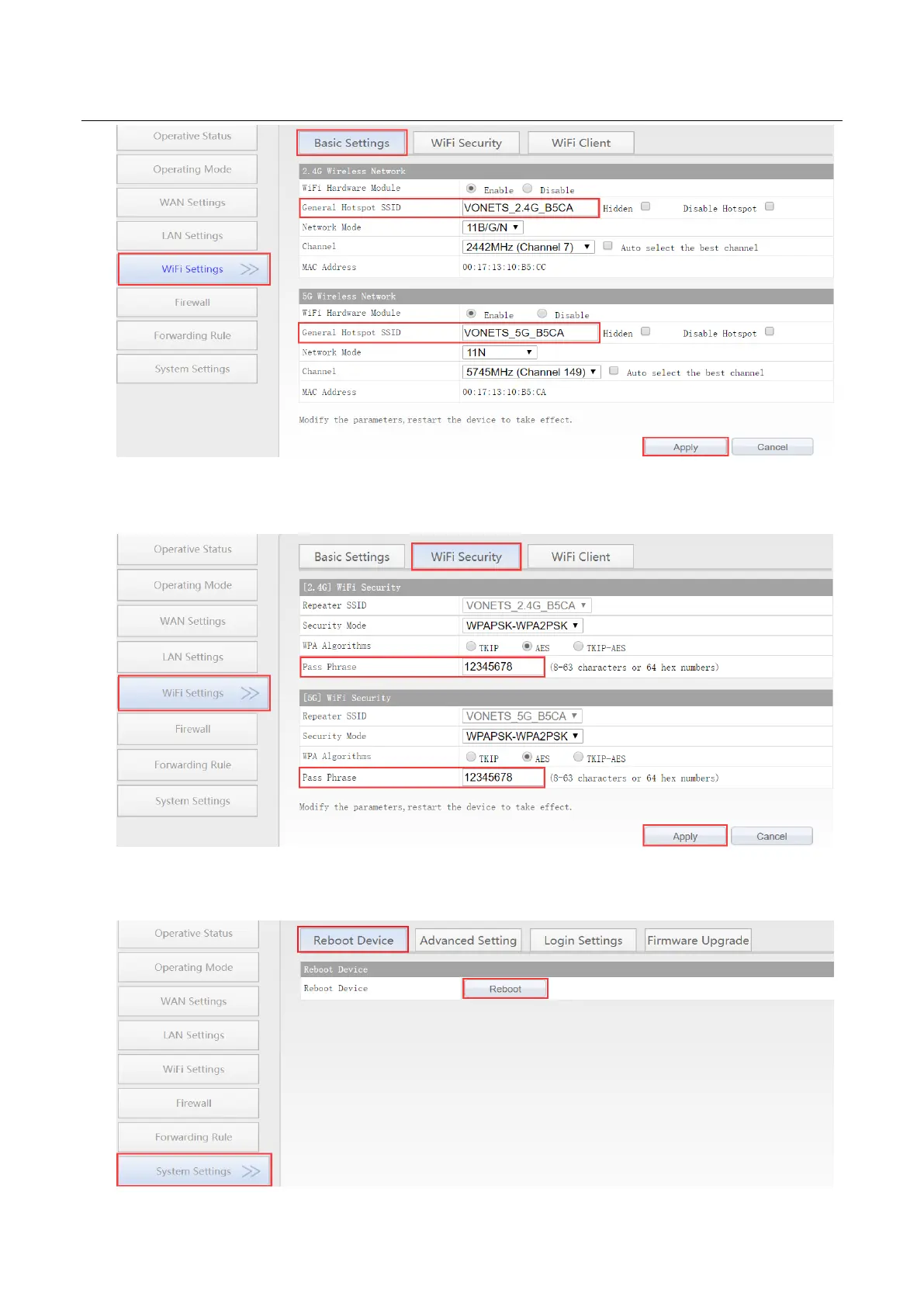
2. Revise WiFi password, in “WiFi Repeater”----“WiFi Security”, enter new WiFi password in
“Pass Phrase”, click “Apply”;
3. Reboot device, jump to “System Settings”---- “Reboot Device”, click “Reboot”, when it
is finished, all revised options will take effort.



 To Next Page