13
English
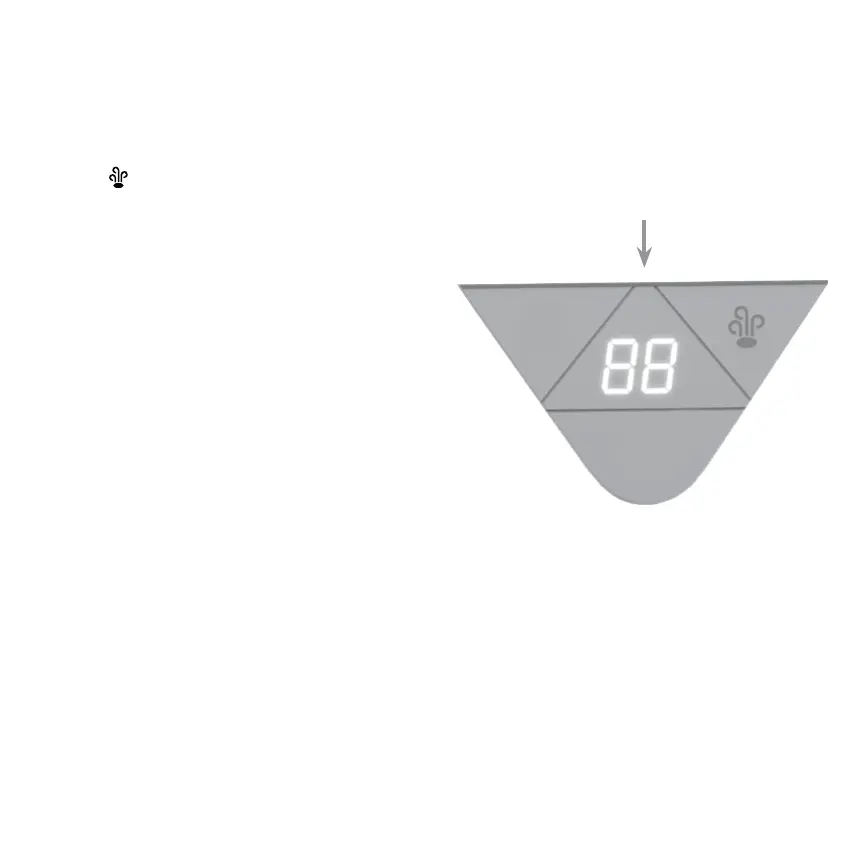
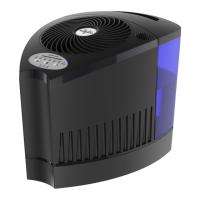
3. Touch to select desired steam setting. A color
indicator will illuminate for cool steam (purple),
warm steam (pink) and hot steam (orange-red).
Depending on selected steam setting, the
temperature of the mist at the outlet grill may
be hot.
WARNING! After using the humidier, if you
disassemble the unit for any reason the boil
chamber will contain hot water! The heat
element will also be extremely HOT! Cool
down at least 30 minutes before touching
these components.
Color indicator
will illuminate.


 To Next Page