10 English
HOW TO USE
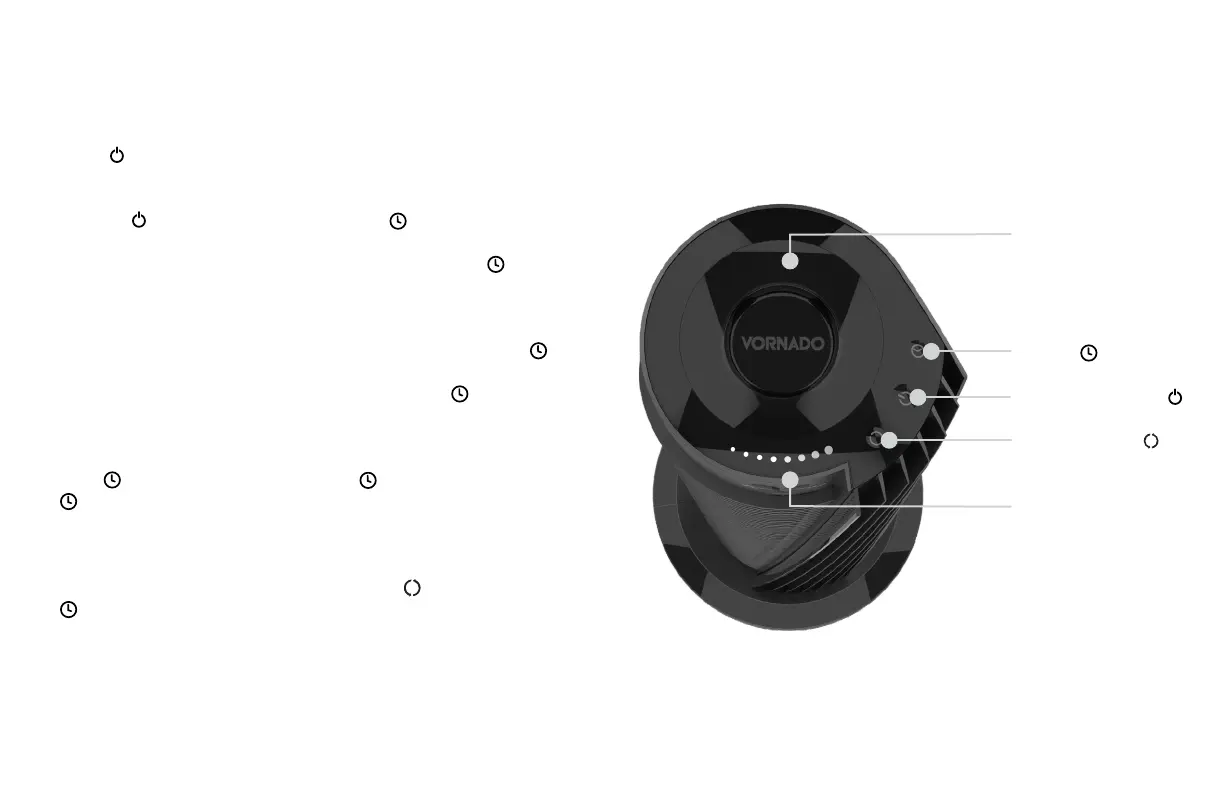
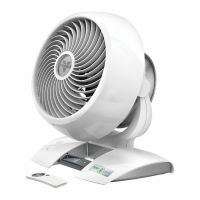
REMOTE
CONTROL
TIMER
POWER ON/OFF
OSCILLATION
1. Touch to power on.
2. Select desired speed by
pressing . Speed will cycle
LOW - MEDIUM - HIGH -
TURBO is indicated by the
number of lights:
Low speed
Medium speed
High speed
Turbo speed
••
••••
••••••
••••••••
Note: The display will dim after 3
seconds of inactivity.
3. Press
to activate timer. The
and Indicator Lights will
turn orange to indicate timer
adjustment mode. While in this
mode, select amount of time in
one-hour intervals by pressing
. After a few seconds, the
ashing orange Indicator
Lights will turn white,
indicating you have left timer
adjustment mode.
Note: The display will dim after 3
seconds of inactivity.
The will continue to glow
orange to indicate the timer
is set. Touch the
to quickly
tell you how many hours are
remaining on the timer.
4. To adjust timer, press
until
Indicator Lights ash orange.
Then press to select new
timer setting.
5. To cancel timer, press and hold
for 4 seconds. Speed/timer
indicator lights will illuminate
white, indicating the timer
is off.
6. Press to turn Oscillation on
and off.
SPEED/TIMER
INDICATOR
LIGHTS


 To Next Page