11
English
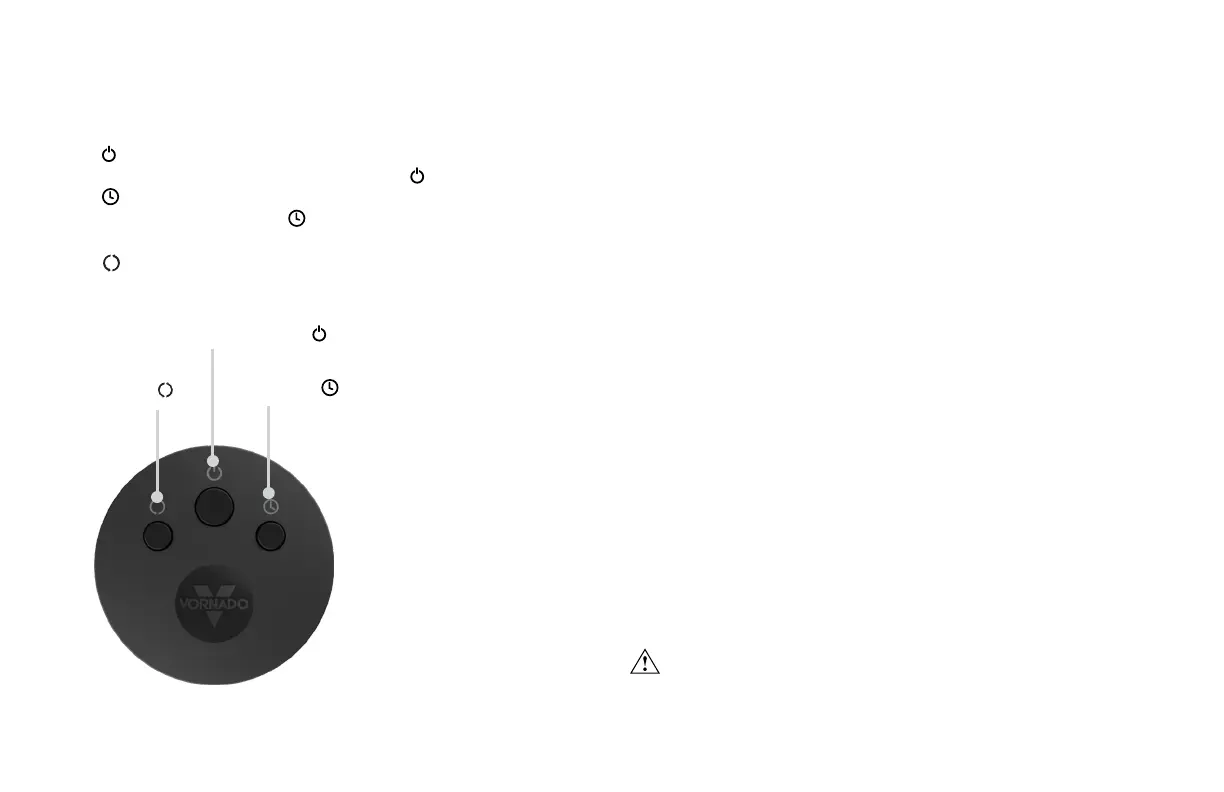
1. Press to power on.
2. Select desired fan speed setting by pressing button.
3. Press to activate timer.
4. To adjust timer setting, press .
5. To cancel timer, cycle through the timer settings until off.
6.
Press to turn Oscillation on and off.
REMOTE CONTROL
REMOTE FUNCTIONS BATTERY REPLACEMENT
1. For battery replacement, the remote requires one coin style 3V
CR2032 battery. Always use the correct size and grade of battery for
this product.
2. To replace battery, open battery door on the back side of the
remote control (you will need to loosen the small screw on door
using a #1 Phillips screwdriver). If necessary, clean the battery
contacts and also those of the device prior to battery installation.
Remove any plastic protection from the battery and place it
in the remote with the + side facing out. Ensure the battery is
installed correctly with regard to polarity. Replace the battery door
and screw.
Note: Remove battery from the remote control when not in use for an
extended period of time and always remove dead battery immediately
and replace with fresh. Do not store dead battery in remote.
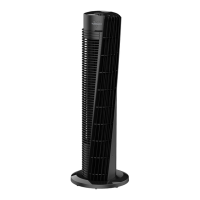
Your tower circulator remote includes (1) coin style 3V CR2032 battery.
Battery comes pre-installed. Remove battery pull tab before rst use.
Pre-installed battery has a one-year life expectancy (dependent on
use) after pull tab has been removed from remote.
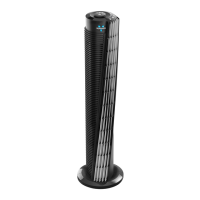
Note: The remote
requires a line-of-sight
path to allow for the
signal to be received by
the tower. Position the
tower so the receiver lens
(located below the gray
“V”) is visible from the
remote control.
WARNING: This product contains a button battery. If swallowed,
it could cause severe injury or death in just 2 hours. Seek medical
attention immediately.
TIMER OSCILLATION
POWER and FAN SPEED


 To Next Page