6
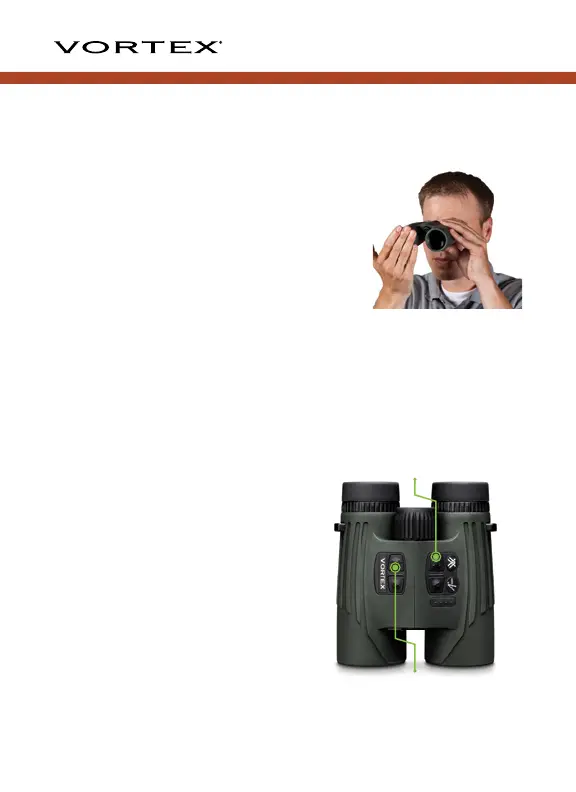
3. Next, close your right eye or cover the right objective lens with
your hand. Adjust the diopter focus ring until the scene is in
focus. From this point on, you will only need to use the center
focus wheel.
NOTE: It can be beneficial to put a
small mark on the binocular housing
in line with the diopter reference
line. Use this as a quick reference
to ensure the diopter ring is not
accidentally adjusted.
Mode Selection
Your Fury
®
HD 5000 AB is factory set to the angle compensating
HCD ranging mode, best target mode, yards, and maximum
brightness. For most users, these are the preferred settings.
To change modes: Press and
release the “Measure” button
to power on and then press
and hold the “Menu” button
for at least two seconds. Once
the Mode Selection screen
displays, release the button.
As you progress through Mode
Selection, you may exit at any
time and save your settings
by pressing and holding the
“Menu” button for at least four
seconds—the unit will return to
power-up condition.
Measure Button
Menu Button



 To Next Page