8
Brightness Selection
Choose Between Five Brightness Settings.
The Fury
®
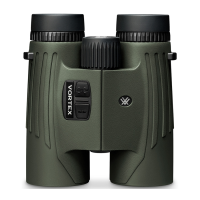
HD 5000 AB provides five
illumination settings, plus an automatic
brightness setting. The automatic brightness
setting will automatically adjust the display
brightness to suit the ambient brightness.
Press the “Measure” button to toggle through
the Brightness settings. Press the “Menu”
button to save your desired setting and move
to the target mode selection.
Target Mode Selection
Target Mode Explanations
The Fury
®
HD 5000 AB provides two target modes: Best Mode and
Last Mode.
Best Mode
Your Fury
®
HD 5000 AB comes preset to Best target mode. This
is the standard mode providing the target’s range with the strongest
range result. Best Mode is the recommended target mode for
most situations.
Last Mode
Looks for the farthest distance when panning and scanning. This
mode is ideal for ranging a specific target behind a group of objects
like brush, trees, rocks, etc.



 To Next Page