6 7
FURY
®
HD 5000 AB
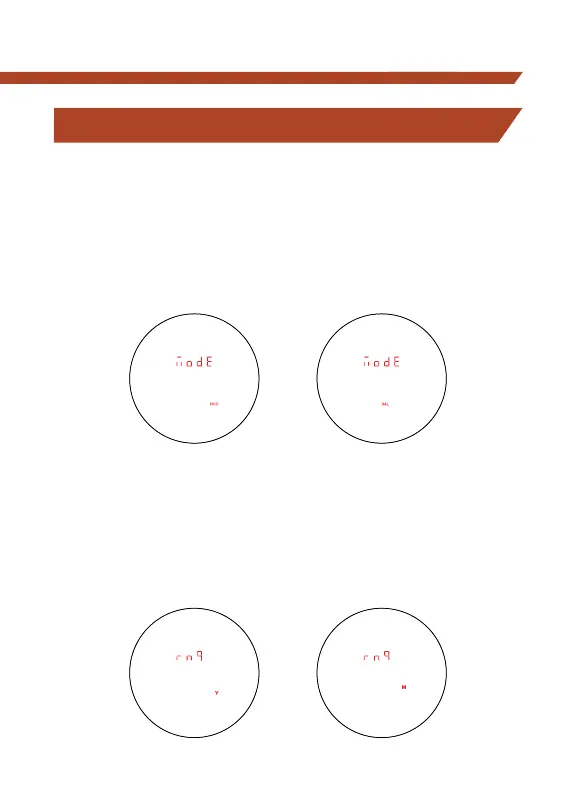
SET AND SAVE MODE SELECTIONS
Ranging Mode Selection
Choose Between the HCD and BAL Modes.
After activating the Mode Selection, press the “Measure” button
to toggle between the HCD and BAL displays. Press the “Menu”
button to save your desired choice and continue through the
other options.
Range Selection
Choose Between Yards and Meters Display.
Press the “Measure” button to toggle between the Yards and Meters
display. Press the “Menu” button to save your desired choice and
move to the Brightness selection screen.



 To Next Page