8 9
FURY
®
HD 5000 AB
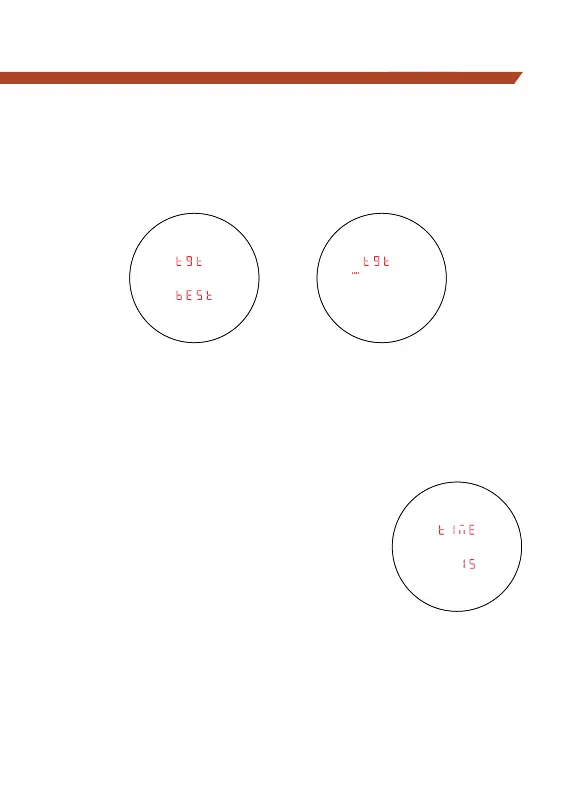
Setting Target Modes
Press the “Measure” button to toggle between the Best and Last
displays. Press the “Menu” button to save your desired choice and
move back to the HCD/BAL selection screen.
To exit Mode Selection and save settings, press and hold the
“Menu” button for four seconds. Settings will also save when the
unit powers down automatically.
Sleep Time
There are four options to program the
Fury
®
HD 5000 AB display to auto-shut off.
15 seconds, 30 seconds, 60 seconds, or
180 seconds. Navigate to the Time display
in the menu, and press the “Measure”
button to select the auto-shut off time.



 To Next Page