Settings menu
Enter this menu by holding the mode button for 4 seconds when on the home screen.
Once entered, the mode button will cycle settings and select will adjust the selected
setting.
Note: Some settings have dependencies. For example to use loops, turn on continuous and delay
Tip: To quickly cycle through values on some settings, hold down SELECT
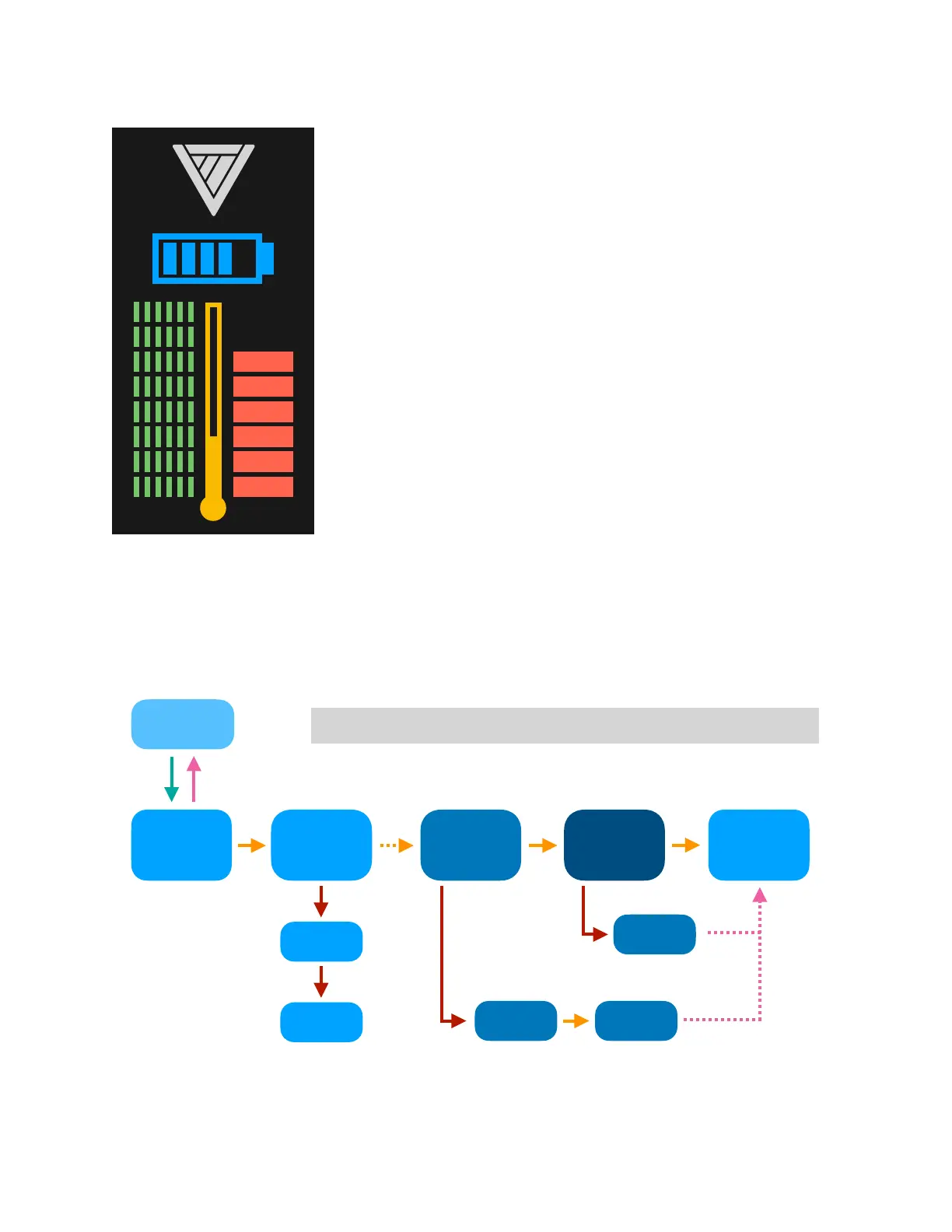
The middle thermometer indicates fluid tank temperature. If
the bar reaches the top, it will blink and lock the MicroFogger
to allow it to cool down.
The right bar shows heating coil power (smoke density). It is
not shaded, so is selected for adjustment
The left bar shows airflow power (smoke speed). We
recommended to keep it full unless specifically needed.
The battery indicator shows the state of charge. The smoke
created will become less dense as the level decreases
The top section where the logo is will indicate the status while
operating.
Hold MODE"" Press SMOKE / MODE / SELECT



 To Next Page