25
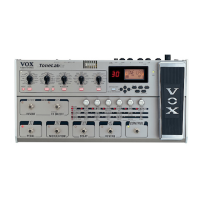
STEP 11: Happy? Good, let’s store this bad boy. Hit the WRITE Button once -
this puts you into “where do you want to store your new program?” mode
which is indicated by the number in the BANK Display flashing.
“ABORT MISSION” NOTE: If you get as far as “where do you want to store
your new program?” mode and then decide your “tweaked” program sucks, all
you’ve gotta do is hit the TUNER/CANCEL Button and you’re outta “write
mode”....phew!
STEP 12: Use the ▲ (UP) and ▼ (DOWN) Buttons to select the bank you
want to use and the CHANNEL Select Buttons to select the channel.
STEP 13: Hit WRITE again and you’re done! Hey, who decided 13 was an
unlucky number anyway? It wasn’t me...


 To Next Page
 Loading...