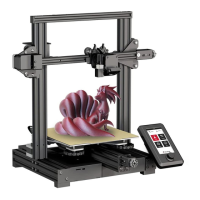
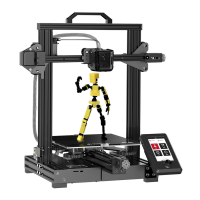
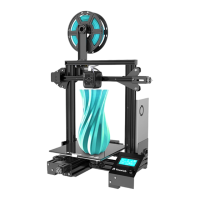
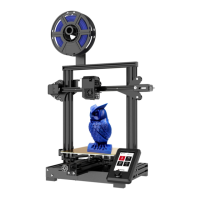
Need help?
Do you have a question about the Voxelab Aquila Pro and is the answer not in the manual?
Key safety guidelines and warnings for printer operation, including handling and environment.
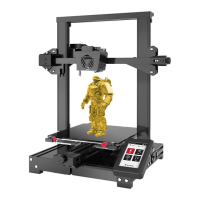
Overview of the 3D printer and its features.
Detailed specifications and technical data of the printer.
List of included spare parts and components.
Step-by-step instructions for assembling the gantry frame onto the printer base.
Guide for mounting the printer's display screen and connecting its cable.
Instructions for attaching the filament spool holder to the printer frame.
Procedure for properly tensioning the X and Y axis synchronous belts.
Diagram and steps for connecting various printer cables to the mainboard.
Instructions for leveling the build plate to ensure proper first layer adhesion.
Procedure for calibrating the Z-axis using the printer's interface.
Steps for preheating the nozzle and build plate to the correct temperatures.
Guide for loading filament into the extruder and feeding it to the nozzle.
Instructions on how to select and start a print job from the interface.
First-time printing setup, including slicing software and file transfer.
Steps to connect the printer to a Wi-Fi network for wireless control.
Guide for connecting the printer to a computer via Wi-Fi using slicing software.
Instructions for updating the printer's firmware using USB or Wi-Fi.
Overview and labeling of the printer's mainboard components and ports.
Important notices and precautions for optimal printing results and adhesion.
Common issues and solutions for printer problems like warping, connectivity, and errors.
 General
| Build Volume | 220 x 220 x 250 mm |
|---|---|
| Layer Resolution | 0.1 - 0.4 mm |
| Nozzle Diameter | 0.4 mm |
| Filament Diameter | 1.75 mm |
| Bed Temperature | up to 100°C |
| Nozzle Temperature | up to 260°C |
| Connectivity | USB, SD card |
| Filament Compatibility | PLA, ABS, PETG |
| Display | Color touchscreen |
| Frame Material | Aluminum |

 To Next Page