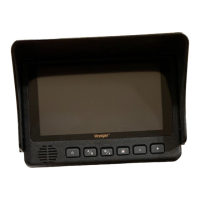
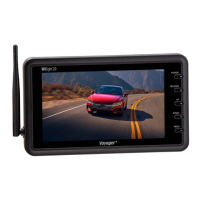
9
4. DIM
5. VOLUME -
VOM74WP
Primary Func n DAY/NIGHT Mode S ng
- Press the DAY/NIGHT bu to sequence day/night mode
backlight co
through “DAY MODE”, “NIGHT1
MODE”, “NIGHT2 MODE”, “NIGHT3 MODE”, “NIGHT4 MODE”,
and “AUTO MODE”.
- Current mode se
is indicated by a temporary OSD located
at the bo
om center of the screen.
Primary Func
n Speaker Volume - Control
- Press the bu to decrease the speaker volume.
Secondary Func
n Menu
- While in Menu modes, the bu is used to navigate through
available menu
.
Ac
: 123456781
Third F
on Menu Se ng Selec n
- While in certain Menu modes (Picture Adjustment, Source
Naming), the
decrease ng value or navigate through
available menu se
Brightness
Hue
Saturation
Contrast
Display
Input
Auto Scan
Advanced
1
2
3
4
5
6
7
8

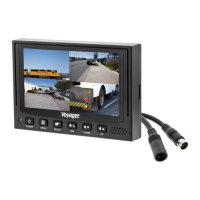

 To Next Page