22
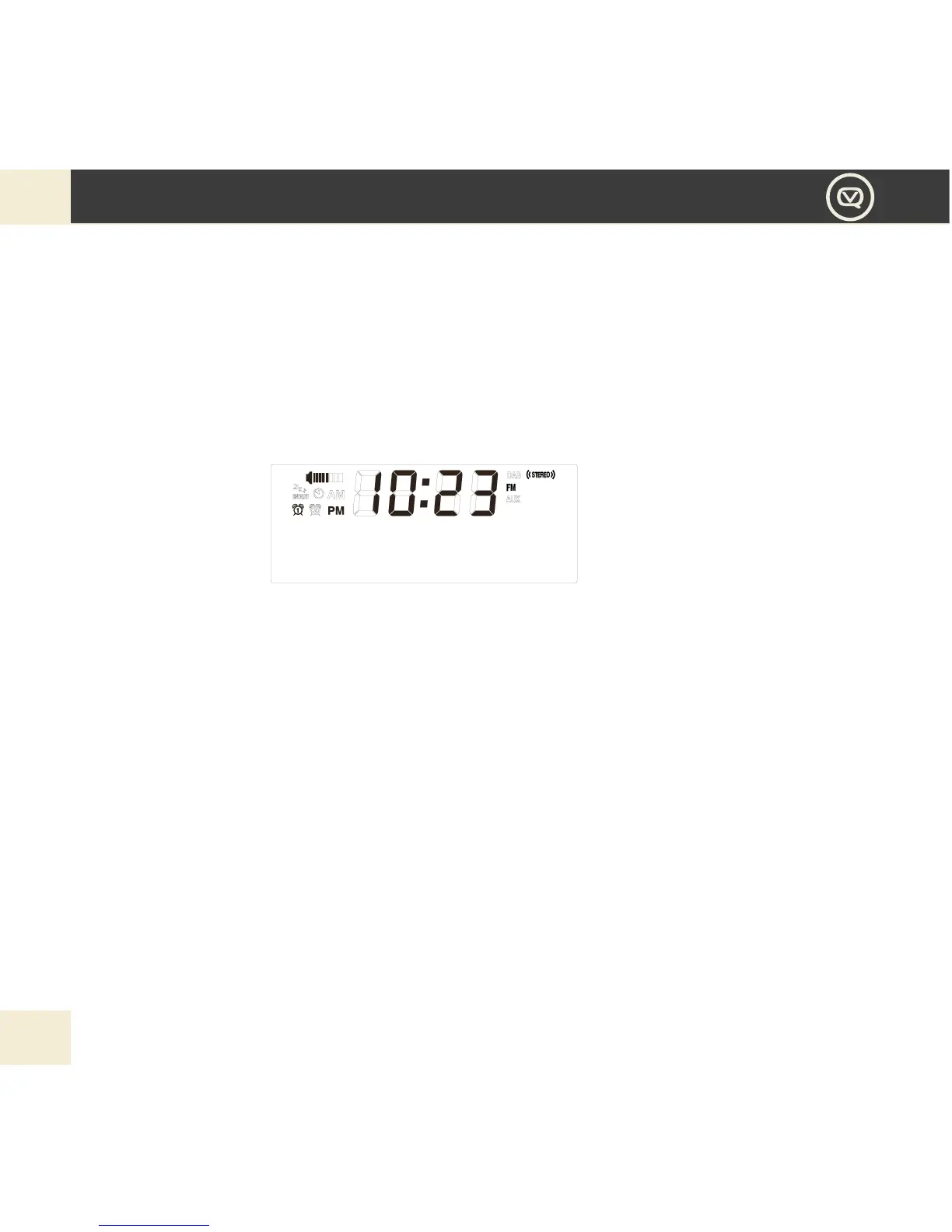
FM
1. For best reception, make sure the aerial is fully extended vertically.
2. To switch to FM, press MODE button repeatedly until the display shows FM.
a. First time use, or after Factory Reset: Your Retro Mini will tune to and display 87.50MHz, the lowest point of
the FM spectrum.
b. Subsequent use: Your last selected station will be displayed, tuned and played if possible.
3. If you would like to perform manual scanning, you can press Left and Right button to ne tune the
station by 0.05Hz step, or you can press and hold the Left and Right button to scan next or previous
available stations.
4. Press Play/Pause button if you want to mute the FM radio.
5. Press INFO button to scroll the station info from below accordingly, can include RADIO TEXT, PROGRAM
TYPE, SIGNAL STRENGTH, CURRENT TIME, FM FREQ, STEREO MONO. The information type you select will
the be displayed for the current FM station.


 To Next Page