Set the time 12/24 hour
1. Press Menu button, and press Left and Right button to choose “12/24 hour”, and then press Centre
button to conrm.
2. Press Left and Right to choose 12 or 24 hour. Press Centre button to conrm.
Setting the VQ Lifestyle alarm
The alarm in Retro Mini switches the radio on (if in standby) and tunes to a DAB or FM radio station or sounds
a tone.
1. Press the Alarm button to enter into Alarm setup Menu.
2. Press Alarm button to choose the Alarm 1 or Alarm 2.
3. Press Left and Right button to the next Alarm setting to turn the alarm on and off. Press Centre button
to conrm and go to the next level.
4. In alarm time setting, using Left and Right to adjust the HH. Press Centre to conrm and to set the MM.
Press Centre button to conrm again.
5. Finally choose how you would like to wake up. Using Left and Right to select your alarm tone, you can
have Beep1/Beep2/DAB/FM. Press Centre button to conrm your selection and exist.
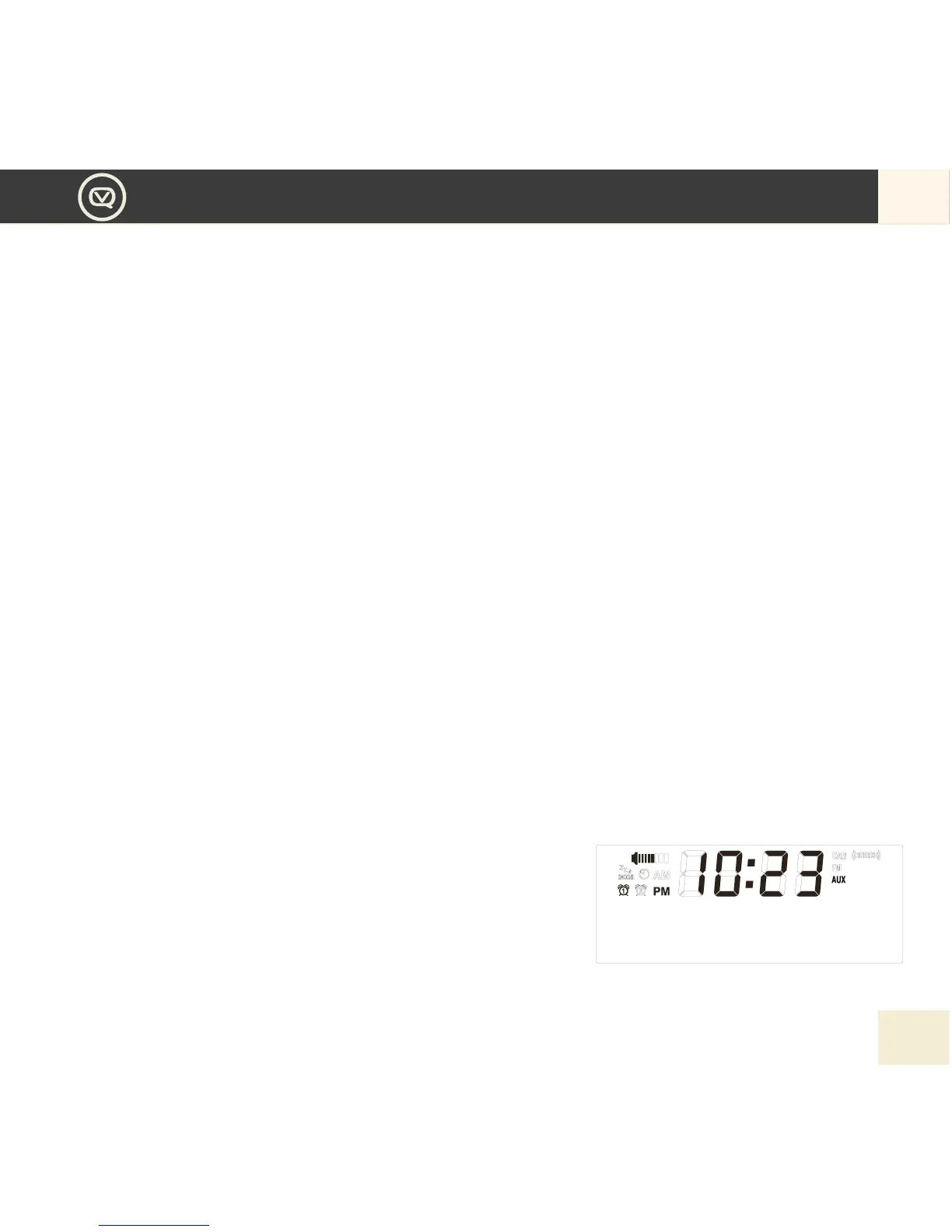
6. The alarm icon will appear on the display to show that the alarm is set.
Snoozing a sounding alarm
To snooze a sounding alarm, press Centre button to snooze.
The alarm will sound again in 10 minutes.
NOTE: The alarm will automatically stop after 60mins if
Centre button is not pressed to snooze.
Cancelling a sounding alarm
To cancel a sounding tone alarm, press ALARM button once to stop.


 To Next Page