Auxiliary Connections
AUX-IN
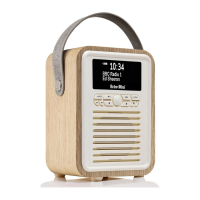
1. To connect the auxiliary device: plug the aux-in cable into the 3.5mm AUX-IN jack at the back of the radio.
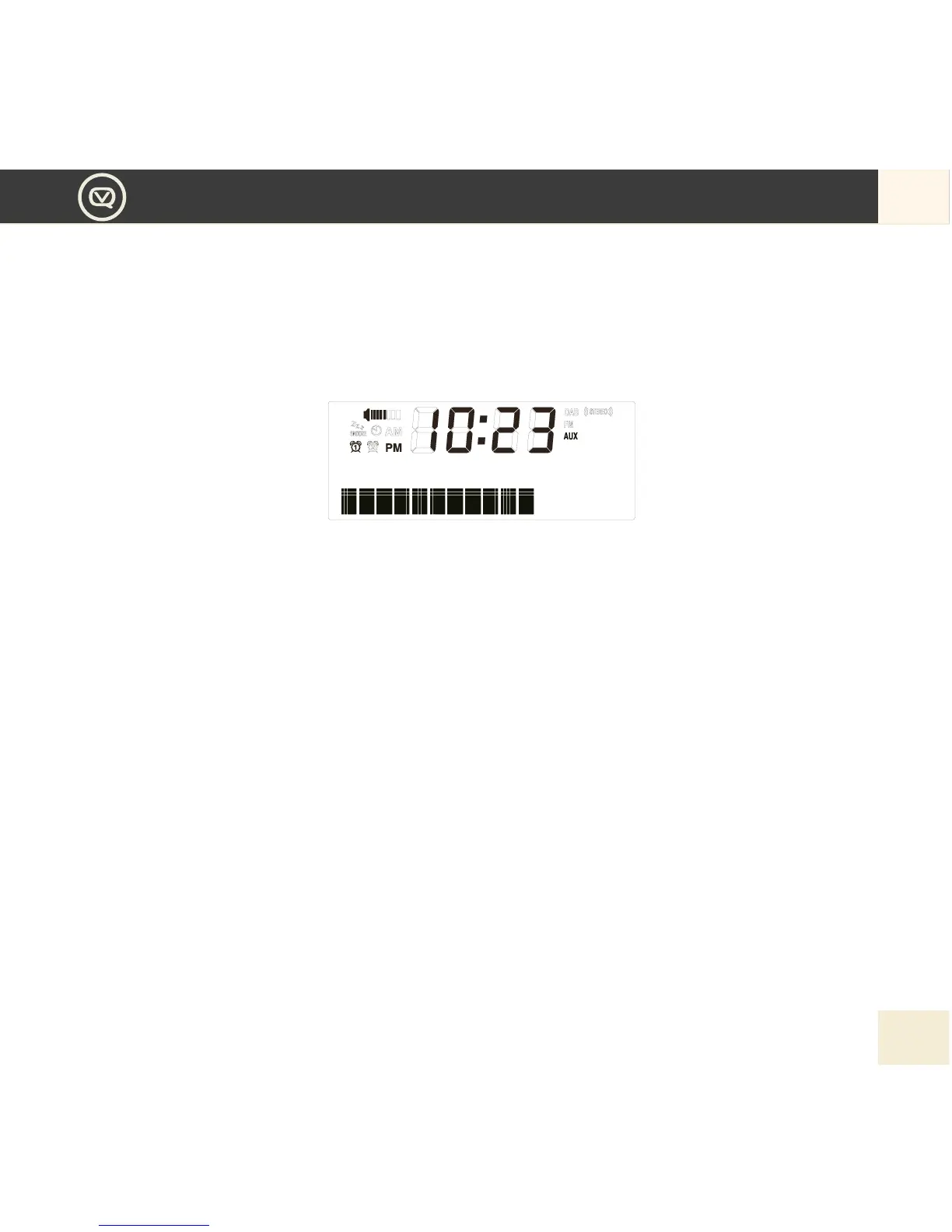
2. To switch to AUX IN, press MODE button repeatedly until the display shows AUX.
3. To control the playback of the auxiliary device you need to use the device’s own controls. You may
need to adjust the volume on your Retro Mini and the auxiliary device for optimum volume and clarity.
4. Press Play/Pause button if you want to mute the music playback.
Using the Headphone Jack
You can enjoy your personal music via the headphone jack. Simply plug your headphone to the headphone
jack at the back of the unit.
MyEQ
Tailor your audio experience to what you’re listening to with the MyEQ function.
1. Press the Menu button to enter into the menu list.
2. Press Left and Right button to choose “EQ Setup”, press the Centre button to conrm your selection.
3. Press Left and Right button to select our preset EQ: Flat / Rock / Pop / Jazz / Classical / Bass
4. Press Centre button to conrm the selection.


 To Next Page