28
Disabling an alarm
1. Press Alarm button when alarm is not sounding. Enter into the alarm setting menu
2. Press Left and Right button to select Alarm On/Off menu.
3. Press Centre button to conrm your selection.
Setting the Count Down Timer
1. Press and hold the Alarm button to enter into the setup menu.
Press Left and Right button to switch the timer ON/OFF, and then
press Centre button to conrm the selection.
2. HH:MM:SS is displayed. Press Left and Right button to adjust the HH, press Centre button to conrm.
Repeat the instruction to set the MM and SS setting. Press the Centre button to start.
3. When the timer sounds, press CENTRE button to cancel the timer.
Note: If the alarm is snoozed, the countdown timer is also set to buzz during the same time, the countdown timer
will be disabled.
Setting the Sleep Timer
The Sleep Timer can be set to switch Retro Mini off after a period of time.
1. Press Menu button to enter into the menu list.
2. Press Left and Right button to choose “Sleep”, press Centre button to conrm your selection.
3. Press Left and Right button to set the timer for up to 90 minutes or choose Sleep off to cancel.
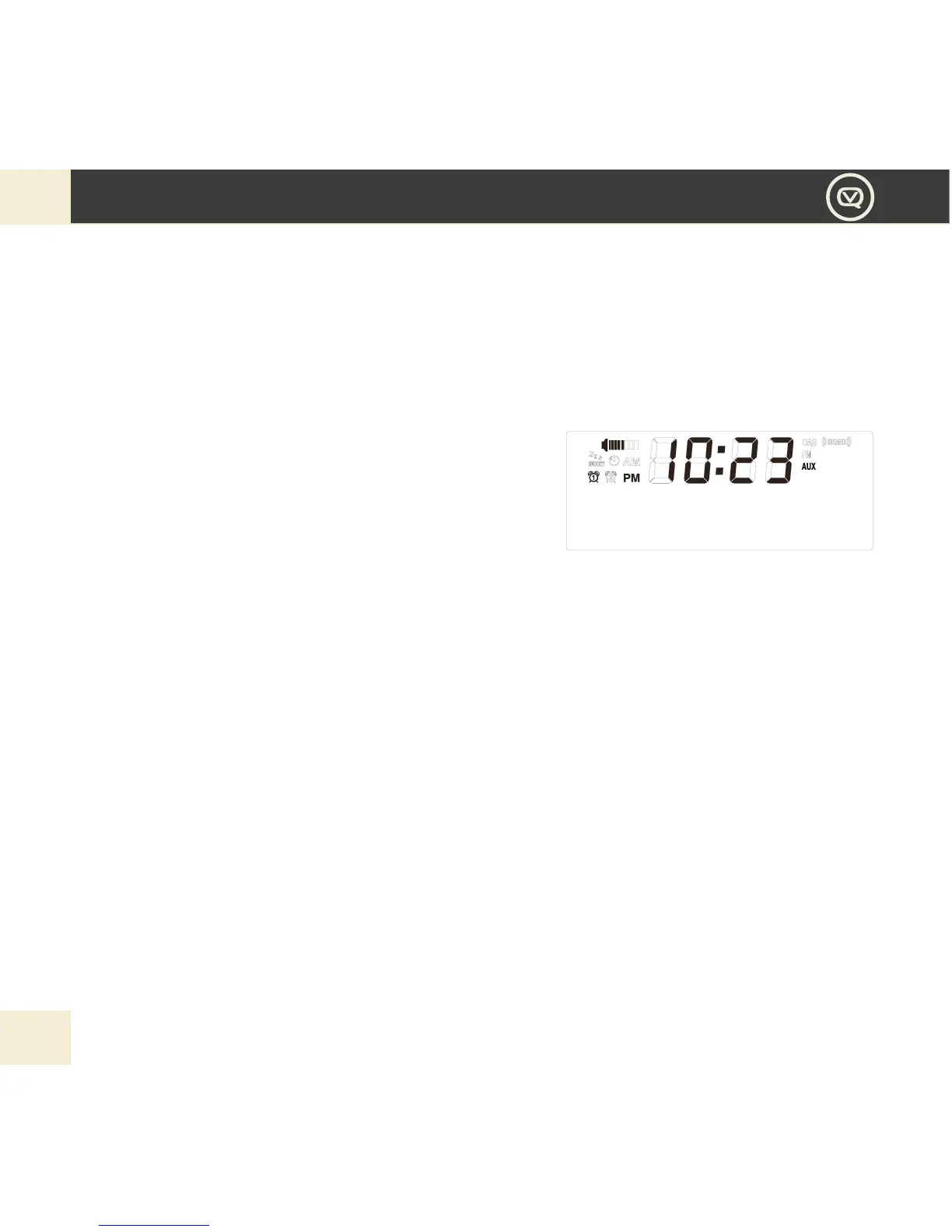
4. The sleep timer icon will appear on the display to show that the sleep timer is set.


 To Next Page