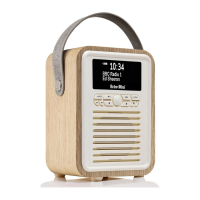
The Specic Functions of Your Retro Mini
DAB/DAB+
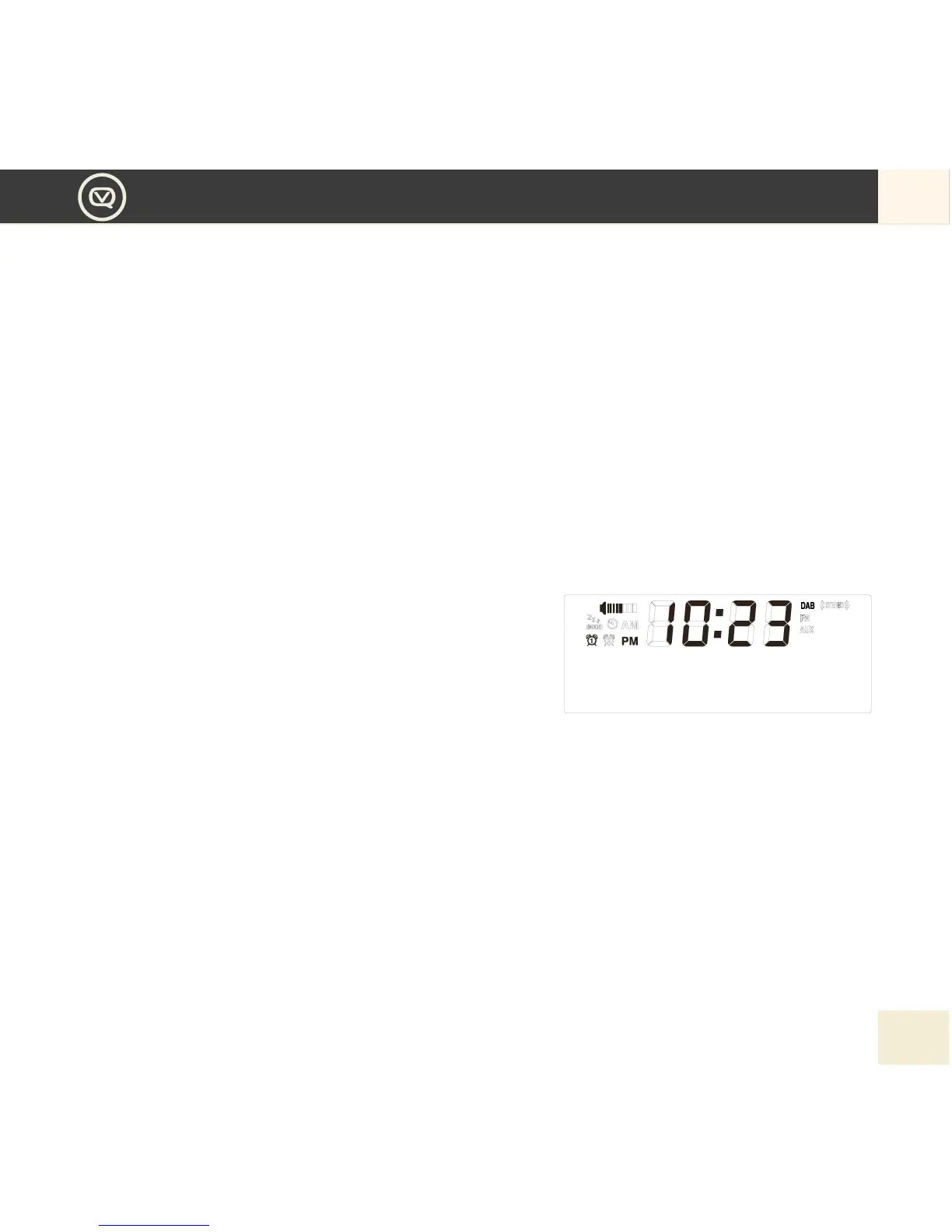
1. For best reception, make sure the aerial is fully extended vertically.
2. To switch to DAB/DAB+, press MODE button repeatedly until the display shows DAB.
a. First time use, or after Factory Reset : Your Retro Mini will automatically begin to quick scan for DAB/
DAB+ stations. A progress bar will show the progress of the scan, and multiplex information is shown.
Stations found will be automatically stored. The number of stations found will also be displayed at the
upper right corner of the display. The rst station available will be shown on the display and played
automatically.
If no DAB/DAB+ signal is detected, “No Signal” will be displayed.
b. Subsequent use: Your last selected station will be displayed, tuned and played if possible.
The display will show the Station Name on the top line of 2X16 matrix, and the Programme Type, if available,
on the second line.
3. Press the Left and Right button to browse the stations.
Press Centre button to conrm the stations you want to
listen to.
4. To full scan or manually tune for stations
If you want to perform full scan or manual scan for your desired stations, press MENU button to select Full Scan
or Manual Scan. Using Left and Right button to select and conrm by the Centre button.
5. Press Play/Pause button if you want to mute the DAB radio.
6. Press INFO button, the scrolling information of the station will be displayed according to the following
sequence DYNAMIC LABEL SEGMENT (DLS), PROGRAM TYPE, ENSEMBLE NAME, SIGNAL
STRENGTH, CURRENT TIME, ENSEMBLE FREQ, TRANSFER RATE. The information type you select
will then be displayed for the current DAB/DAB+ station.


 To Next Page