LED Indicator
1
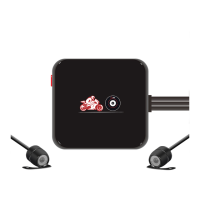
When turn on the motorcycle, the dash cam automatically power on and enter video mode,
both red and blue LED Indicator
1
will be on at the same time.
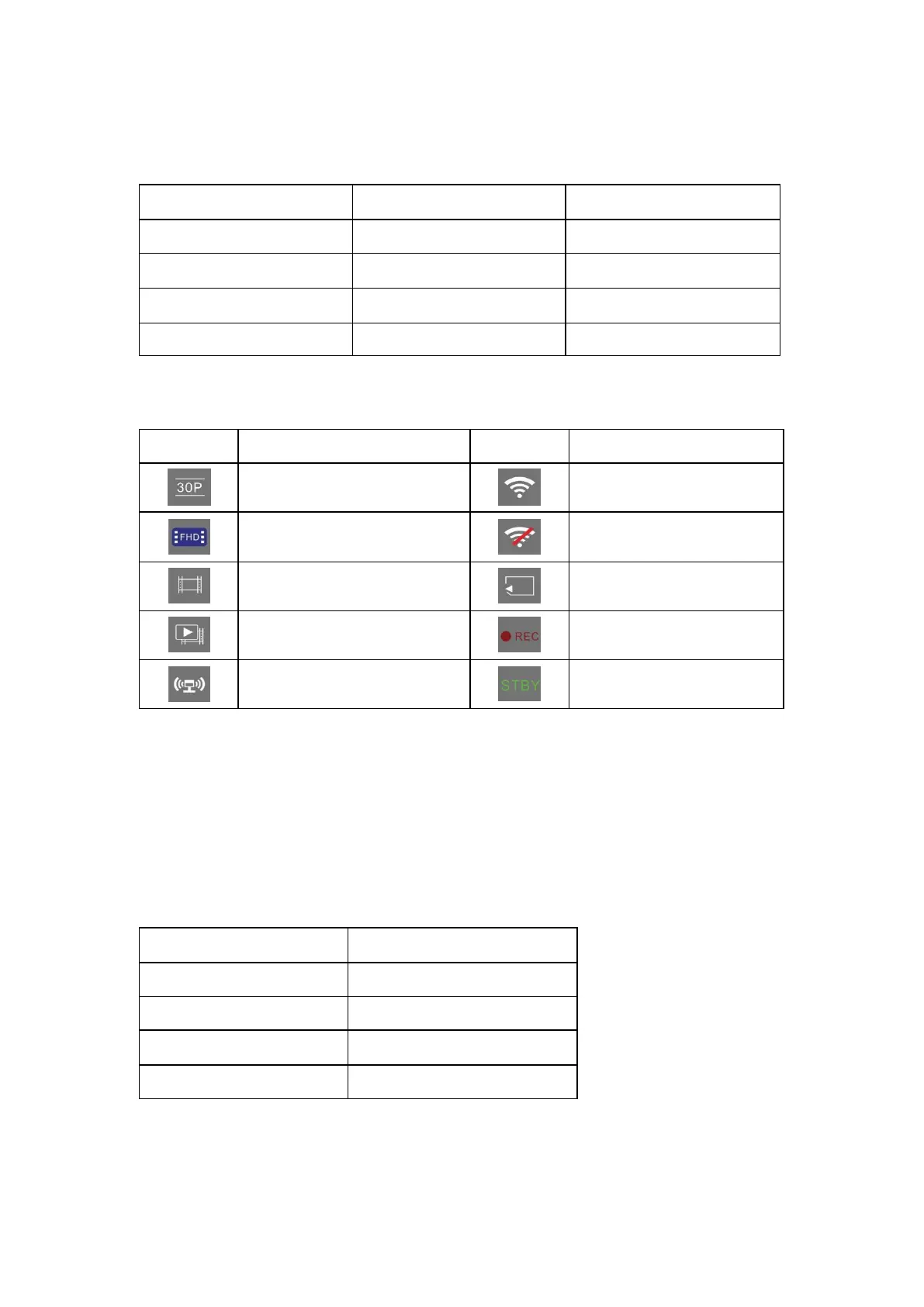
3.2 Status Icons
Video resolution (FHD/HD)
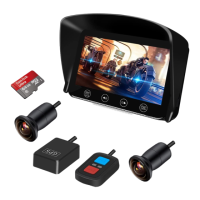
3.3 Optional Accessories
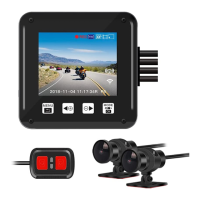
Wired Remote
1) Short press any button of wired remote to activate manual emergency mode and save a
video file named ‘’Key 001 002 003….’’which won’t be overwritten.
2) Long press any button of wired remote to turn off Wi-Fi; long press the button again to turn
on the Wi-Fi.
3) Indicate the camera status (LED Indicator
2
):
GPS Tracker
Optional GPS Tracker will show your movement (in Google map) and speed when playback
the video in our GV Player.


 To Next Page